I am Ekhtiram, solo producer of Vibeokus.
Like many of you, I’ve been heavily using AI agents (cursors, cloud desktops, cloud code) to build web apps lately. The execution speed is incredible, but I constantly hit a massive friction point when working on the frontend.
Every time a UI element breaks, or validation doesn’t work, I have to take a screenshot, open the browser inspection tool, manually copy the raw HTML/CSS snippet, switch to my AI tool, and type a long prompt explaining *what* and *where* the problem was. This completely destroyed the “vibe-coding” movement.
I wanted a way to connect my live browser frontend directly to my AI’s project memory. that’s why i created Vibeocus lens.
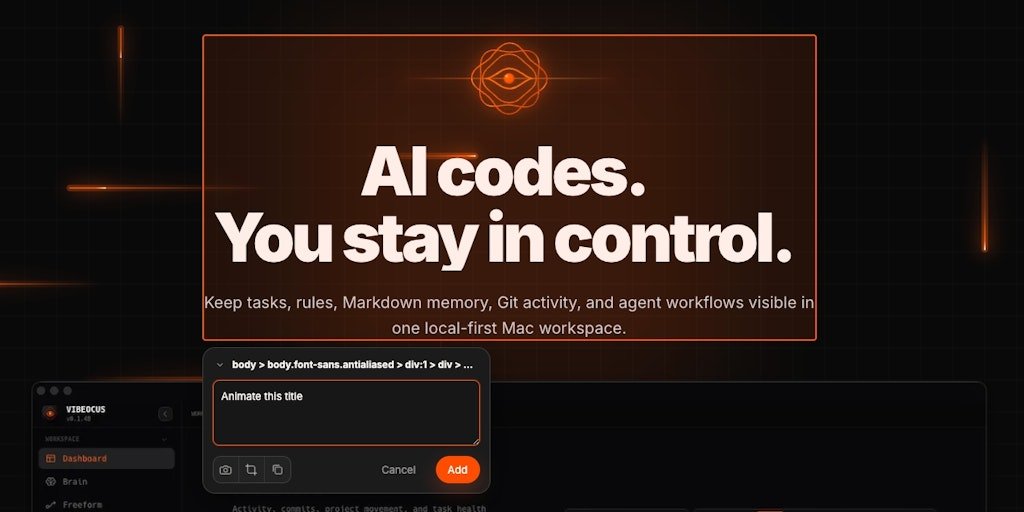
Now, instead of wasting time copy-pasting, you can simply click on any element on your page, add a quick annotation, and Lens automatically extracts the exact DOM nodes, semantic CSS selectors, and view state. It then streams everything via a secure local bridge straight to your Wibocus project workspace, making it instantly accessible to your AI tools on MCP. 100% local, no cloud backend, zero RAM hogging.
Fun fact: You can actually live test the core extension UI directly on our landing page without installing it!
I’m here all day and would love your honest feedback. How do you currently handle UI/frontend context in your AI tools? What features should I add to the lens next?
Let’s chat in the comments! 🚀
<a href