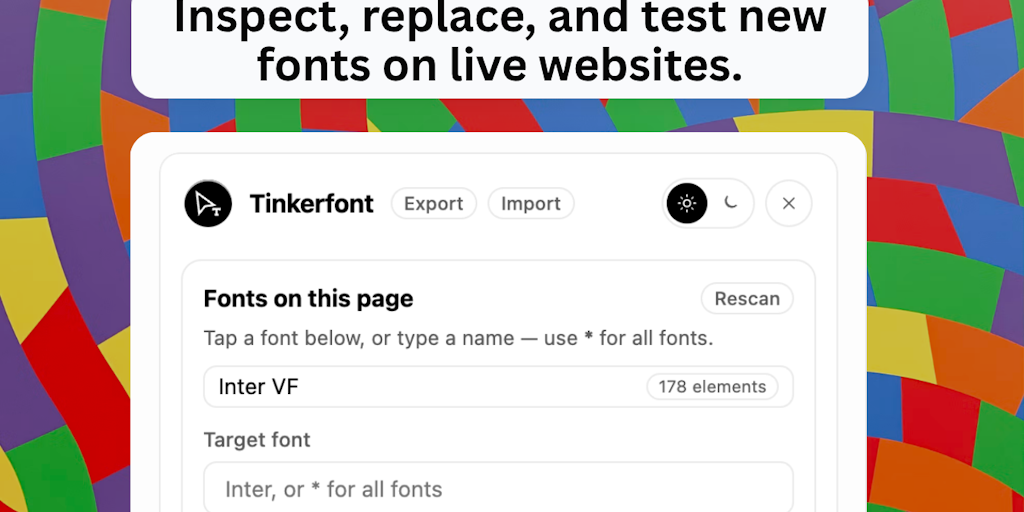
I created TinkerFont because I was tired of guessing what a font would look like before changing code or design.
So I built something that lets you open a website, change the font instantly, and see the results in context. You can scroll around, test different sections, and even save screenshots before deciding if any changes are worth making.
Some things to try:
– Right-click on any text to see what font the page is actually using.
– Open the panel, select an element, search for bunny fonts, and apply one with a single click.
– Use a pick area if you only want to change the navigation, hero section, or another specific part of the page.
– Your changes are saved when you come back, so you don’t have to start over every time.
Font Inspector was inspired by Fontanello. I already had font swapping working, but I really liked the way Fontanello exposes font information, so I built something similar in TinkerFont.
It’s completely free on Chrome and Firefox. If you try it, I’d love to hear what you think. Whether you find something is missing, confusing, or completely broken on a site you use, that feedback is incredibly helpful.
Thanks for viewing this.
<a href