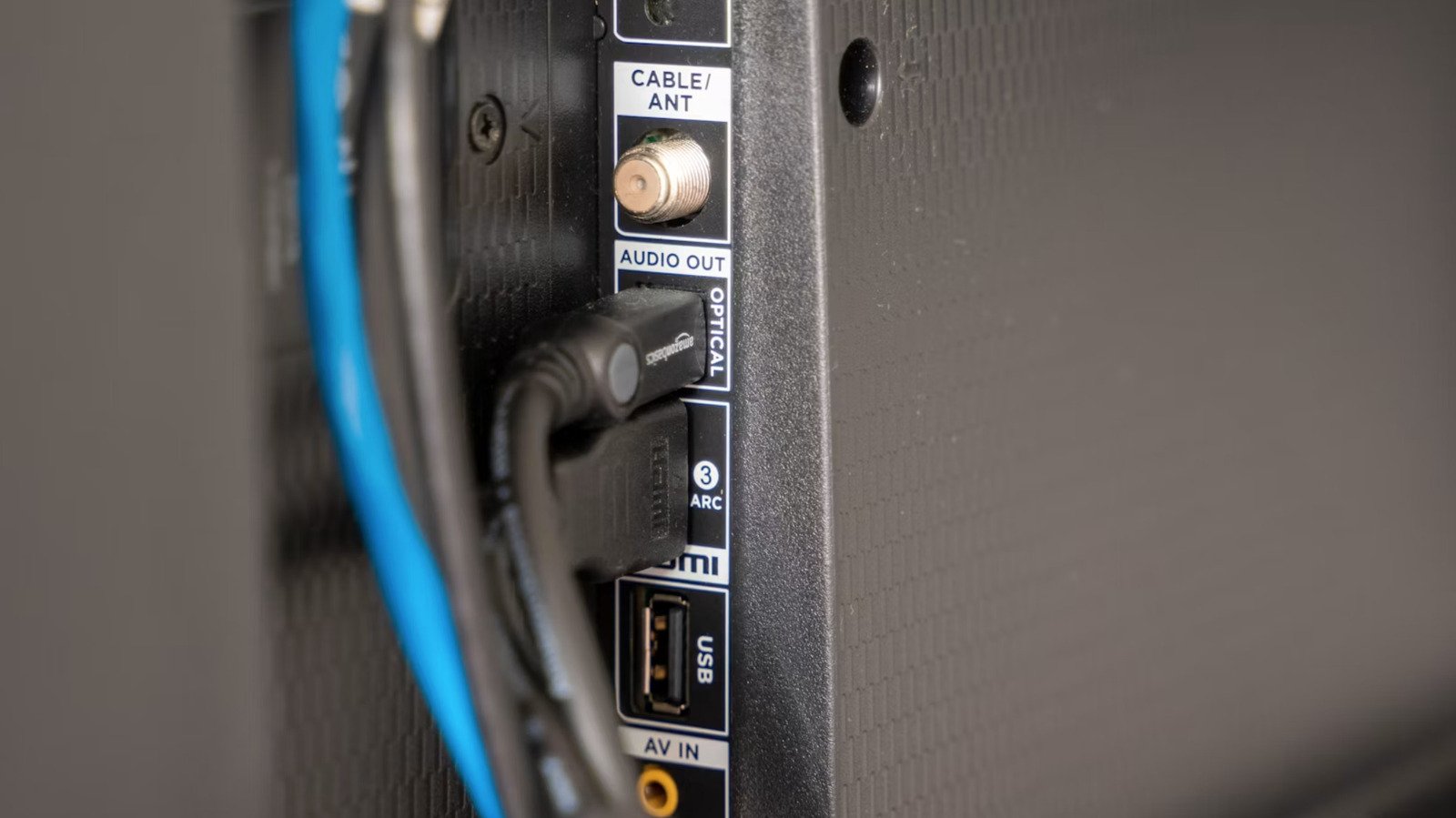
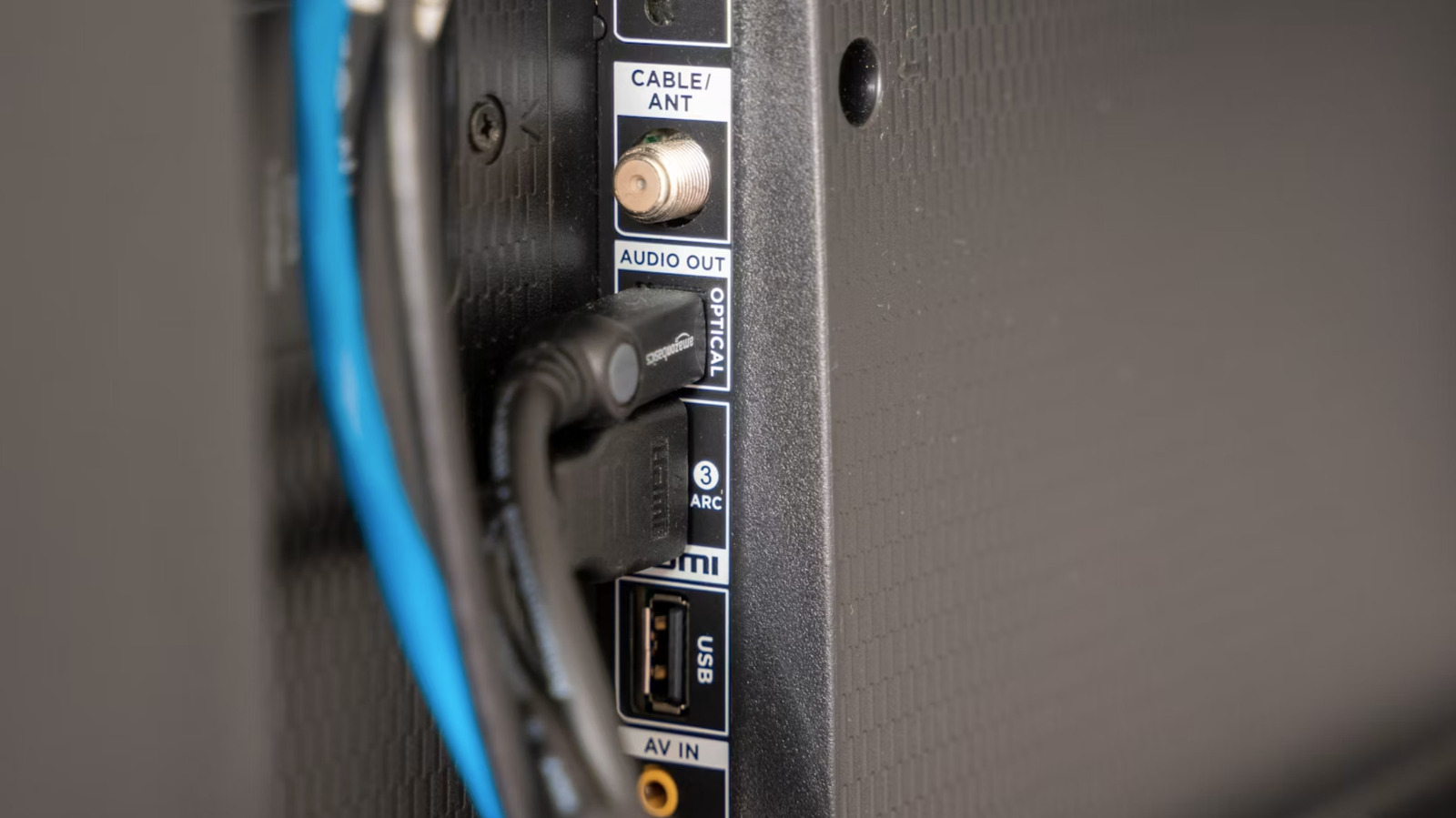
These ports are often forgotten, but they can still be useful.
Modern smart TVs have so few USB ports that it’s easy to forget about them, especially with HDMI sucking up all the oxygen. Most newer sets have at least one of these ports, usually located on the side or back. Ports began appearing on TV in the early 2000s, becoming ubiquitous by the 2010s. Nowadays, it’s hard to find a smart TV without a USB port, either the older USB-A or the more modern (and useful) USB-C port.
These are actually very useful and offer a range of possible functions. For example, the recently released Amazon Fire TV Stick HD is efficient enough to be powered by a basic USB 2.0 port, eliminating the need for a dedicated power adapter. Here’s everything you can do with these ports and some tips about what not to do. It’s also important to note that settings may vary between makes and models, so check the instructions for specific information.
Watch and listen to content without internet
Smart TVs require Internet to do anything except watch local and cable channels. How to stay entertained when the internet is down? This is where that USB port comes in. These ports support USB sticks, so you can fill them with all your favorite shows and movies. There’s no real limit here, as most modern TVs can handle 2TB (or larger) sticks.
There are a few small caveats here. Pay special attention to the initial format type of the stick, as most modern smart TVs can only handle FAT32 or exFAT/NTFS. The same applies for video format types. Use MP4, AVI or MKV to be safe, but check the TV’s instruction manual for more details.
You don’t even need access to a streaming platform like Spotify to listen to music on TV. Simply fill a USB flash drive with songs and let the TV work its magic. Again, stick to the common types to avoid any problems. We recommend MP3, WAV, and AAC.
Design a Light Show
Smart TV has created an entire light cottage industry. There are all kinds of USB-powered light strips out there aimed at improving mood. These illuminate the area with soft, ambient light and they automatically turn on and off along with the TV. Some recent models use advanced algorithms to alter the lighting as well as the content being viewed. This can help with immersion, especially during action-packed movies and shows.
plug in microphone
USB microphones are a dime a dozen and chances are you have a microphone or two in the house right now. One gets some features when connected to a smart TV. First of all, it’s a way to access the voice assistant if the remote control lacks a microphone. It offers voice control functionality through Alexa, Google Assistant or Bixby, among others.
This is also useful when using the TV for video calling, as a dedicated microphone should make everything clearer. Finally, most smart TVs offer access to some karaoke apps, which is like having an instant party.
If you’re feeling adventurous
Turn TV into a picture frame
You don’t need a TV that also doubles as a picture frame to display some art in the home. You can simply load some images onto a USB stick, plug it in, and let the TV do the rest. It should automatically recognize the images and give the option to view them as a slideshow. Most TVs will let you loop the same image continuously.
You may face issues regarding file types, just like with video footage. To be safe, stick to common file types like JPEG and PNG.
That said, not all TVs are suitable for this type of use – in fact, most aren’t. That’s why Samsung’s Frame TVs are specifically designed to run in always-on mode. Regular TVs will use too much power to show some artifacts, and some models of OLED sets are sensitive to burn-in. So, even if you try it, turn things off when you’re not in the room and make sure the images cycle continuously so a shot doesn’t languish forever.
Charge the gadget (but be prepared to wait a while)
It’s a good news/bad news situation. You can use the TV’s USB port to charge a phone, tablet or similar gadget in a pinch, but it’ll take a lot longer. This is because most modern smart TVs come with USB 2.0 ports, which provide a nominal 5V at 500mA. It will take about seven hours to charge a new phone. A laptop can take approximately 20 hours to top off. This is not practical at all.
However, there is also good news. The industry is slowly moving towards USB 3.0, with many new TVs offering this feature. This will speed things up. In any case, the USB 2.0 ports are also great for charging low-power devices like mobile accessories.
Some USB-powered devices will not work
Not all USB-powered devices will work with Smart TVs. This is especially true for devices that require some kind of software driver to function. This includes things like USB printers, optical drives, and scanners. The TV will not recognize them when connected.
There are some solutions, but they can be tricky. Some optical disc drives are designed with TV connections in mind, but they only work with certain models. Some Android TVs can accept sideloaded apps that accept printer connections, but the process can be cumbersome.
<a href