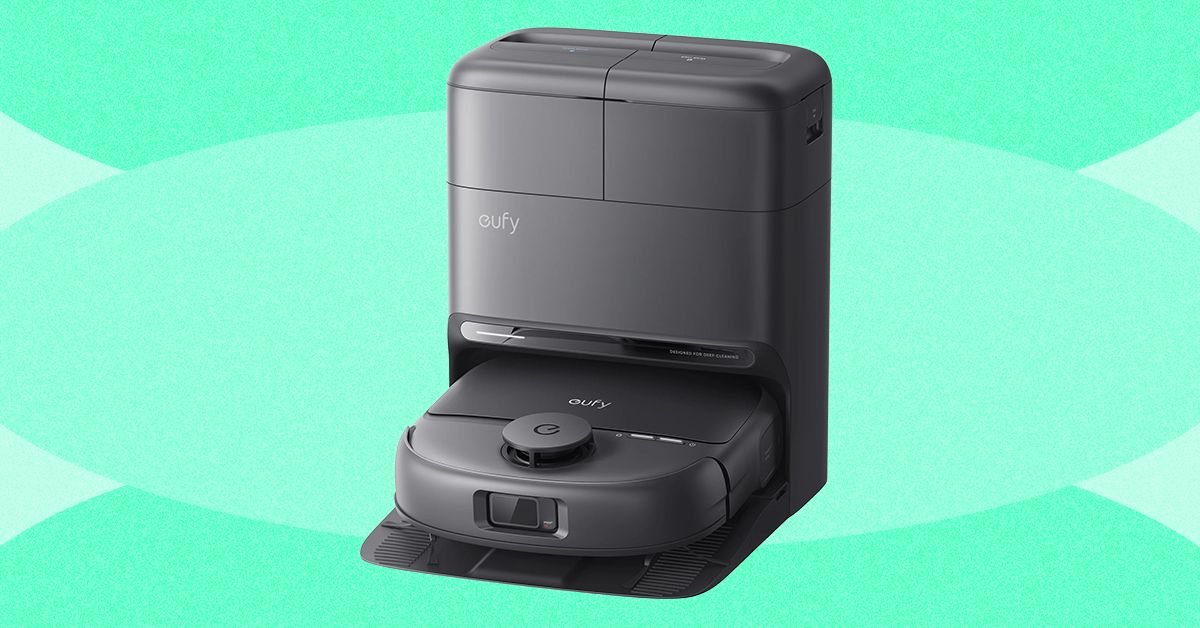
The best robot vacuums these days aren’t just vacuuming your floors, nor are they wandering blindly around your house like they used to. These gadgets are mopping, spot-cleaning, cleaning themselves from obstacles, and even reminding you to clean dirty areas in your home more often. A good robot vacuum can cost a lot, but it depends on what you’re looking for. Do you want to know which is the best model for you? I’ve been testing every new robot vacuum in my three-story house, which has three adults, a preschooler, and a cat who is on a mission to pick up trash throughout the house.
Here are the best robot vacuum cleaners I’ve tried this year, and all the things we really liked in recent years. Are you looking for more vacuum ideas? Don’t miss our guides to the best Dyson vacuums, best cordless vacuums, best vacuums for pet hair, best carpet cleaners, and best vacuums.
What is a robot vacuum?
A robot vacuum is an automated vacuum, usually shaped like a round disk, that moves around your house to vacuum (and mop, as many models nowadays also include mopping) on your behalf. You may hear some people call these devices “Roombas,” which is the brand that popularized the concept, but almost every cleaning brand today — from high-end Dyson to affordable Bissell — makes some type of robot vacuum. They come with either a charging station or a large docking station that can self-empty.
Can you use a robot vacuum on all types of floors?
You can do this, especially since there are so many mopping models now available to better clean hard floors. You can use these devices on anything from hardwood to LVP and tile, although I wouldn’t recommend leaving small rugs to get stuck on these autonomous gadgets. Large, set rugs are fine, but bathroom and kitchen mats or any thin, easily removed rugs should be moved out of the way and put in the wash instead of being vacuumed by your robot vac.
What will your robot vacuum need?
There are a few things that most robot vacuums will need to function properly:
- Location around the base station. Many robot vacuum manuals recommend at least one foot of clearance on three of the four sides of the vacuum’s base station to ensure it has room to return home.
- A good Wi-Fi signal. If your robot vacuum connects to Wi-Fi, as many do these days for app control and software updates, it will need a strong connection wherever it is placed. Most of them can only connect to the 2.4 GHz wireless band, so make sure you have that (and only choose that band when you’re setting up if your Wi-Fi shows those bands separately). Unclear? Check out our guide to setting up your smart home.
- Regular maintenance. It may be a robot, but it can’t take care of itself. See below for my tips for basic robot vacuum maintenance, and be sure to read your vacuum’s manual to find out what your specific model requires.
How often to maintain your robot vacuum
Taking good care of your robot vacuum will help it last longer. Here is the debris removal procedure you should follow for each robot vacuum style.
- If it only has the charger base: This means that debris accumulates inside the vacuum. You’ll probably want to empty it after each use. If your vacuum has a fill line that you can see, you can empty it when that line is reached, but this is really a best practice after each use.
- If it has a self-emptying docking station: Each manufacturer will have different advice about when to empty a self-emptying station, but this is usually between 30 and 60 days, depending on the design and use. If you run your vacuum daily and have a lot of debris, like pet hair, you may need to aim for 30 days or less.
- If it has water tanks: Dirty water tanks should be cleaned after each mopping run of your vacuum. The station will be filled with clean water.
Be sure to review your robot vacuum’s manual for any other steps the manufacturer routinely takes to keep the vacuum running as long as possible. Many brands also have replacement parts, so you can replace individual pieces like brushes without needing an entirely new vacuum.
Best Robot Vacuums of 2026
I’ve been testing the latest models from my favorite cleaning brands. Here are the top three I would buy right now.
I was surprised by how much I liked the AI-powered Shark PowerDetect UV Reveal. Its UV light revealed spots on my floors where I knew I’d messed up before, and its built-in AI repurposed the vacuum to deep clean those spots in a way I obviously hadn’t done before. The UV Reveal worked great with a mop-and-vacuum combo on my hardwood floors (both LVP and tile), as well as on my builder-grade carpet and a large rug in the living room. I was impressed that the rug actually felt as fluffy and thoroughly vacuumed as if I had broken out my favorite Dyson stick vacuum instead of sending a robot vacuum to do the work for me.
It has an extendable arm, which worked well for passing my corner test. I stuck three Cheerios in hard-to-reach corners of my house, and it turned out two out of three, outperforming the latest Dyson vacuum. It also managed to achieve the difficult two corners; It skipped the third Cheerio to avoid hitting my barstool. I also did a spill test with two spots of cherry juice in my house. It cleaned up the first leak with no problems, but I had to send it back to clean up the second leak. The UV Reveal performed very well at avoiding obstacles and had “NeverStuck Technology” to lift itself over obstacles, and it worked for getting itself off the flat, long legs of one of my side tables. The vacuum got the job done in plenty of time, and cleaned my entire main floor in about 60 minutes, but it goes back to cleaning all the visible spots on the floor. It took me another 30 minutes, but I believe that will decrease over time, the longer you stick with this vacuum and keep it cleaning. Still, 93 minutes is a solid time window to run through four rooms and get back to doing some clean-up work.
Overall, this vacuum really shines on hard floors, but I also liked it on rugs and carpet if you have a mix of those in your home. It has an auto-empty base with a bagless debris system, so you won’t have to worry about purchasing bags of debris to empty the docking station. The only downside is that the vacuum can only learn a single map, so it doesn’t work for multiple floors of your home unless you’re willing to remap it each time (which only takes a few minutes, so it’s not a terrible experience, but the vacuum will also want to place the base station up or down the stairs.) Suction is also a mystery; Shark has declined to comment on the exact suction. Still, we’ve used low-suction vacuums before and the results have been great.
<a href