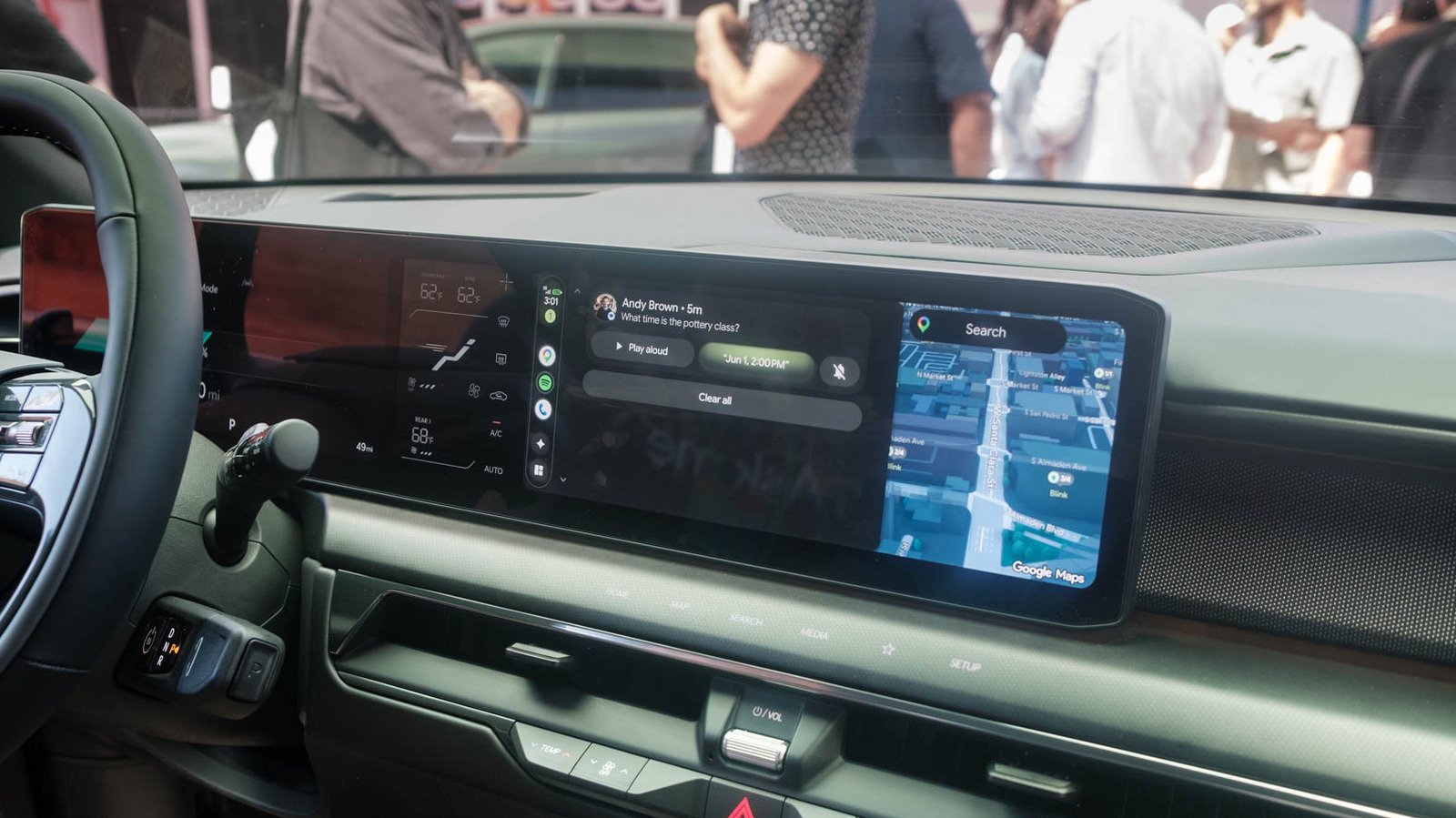
Vehicle-specific integration, immersive navigation and Android-inspired widgets are small but useful additions.
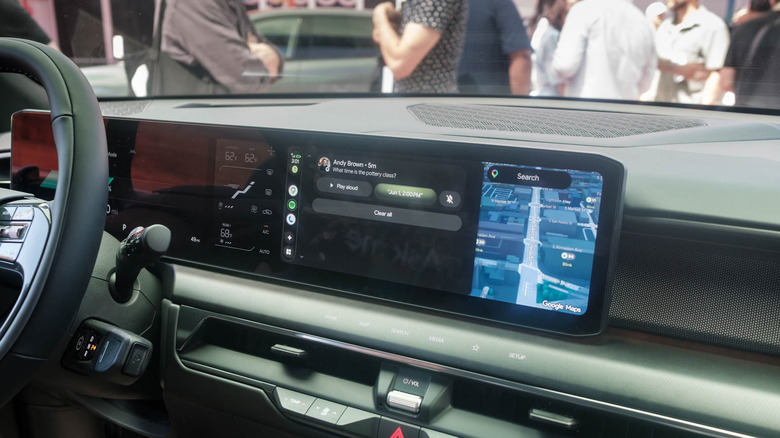
At last week’s Android Show: I/O Edition, Google promised that 2026 would be a big year for Android Auto, with major updates planned for how the platform looks and works across all cars and devices where it’s available. At I/O 2026, Engadget got a chance to see some of those upgrades in action on both a phone with Android Auto and a Volvo EX60 with Google built-in.
On top of that, most of the enhancements announced by Google earlier this month will be available to people whether they access them directly from their car or via phone. I noticed some visual differences between the way those features are presented. Along with Android Auto, you get Google’s own Material 3 Expressive; It’s still Material 3 Expressive, with Google built-in, but tweaked to accommodate the automaker’s own styling and the car’s specific hardware.
The trade-off there is the Google-built Gemini integration that’s only possible when manufacturers directly include the Assistant in their cars, allowing you to use your voice to change model-specific settings. In the case of the EX60, that means the Google employee who talked me through the demo was able to tell Gemini to “blacken” the car’s roof, and it went from transparent to opaque. The employee was also able to ask the Gemini to describe footage from one of the car’s front-facing cameras. When the assistant saw the Transamerica Pyramid in the distance, he told us that it had been the tallest building in San Francisco for 48 years. It diplomatically did not mention that the title was taken by the bizarre Salesforce Tower.
Immersive navigation feels great
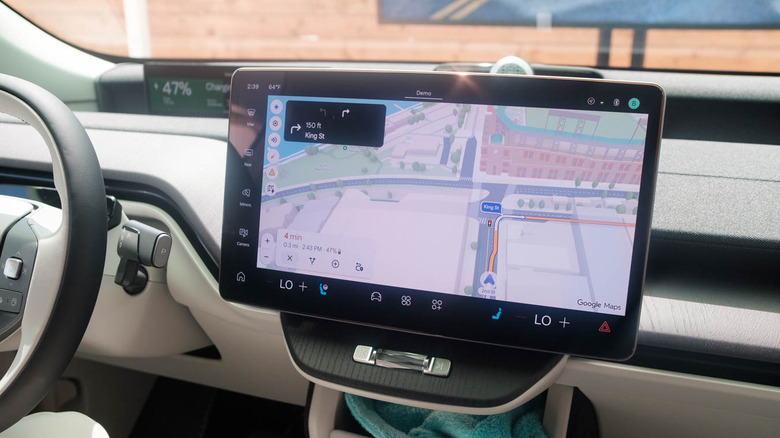
Google was also eager to show me how the Android Auto team worked with third-party developers and other teams inside Google to make their apps look and feel like the experiences they offer on mobile devices. I saw this in action with Spotify, which certainly looks like Android and iOS in its latest version for Android Auto. Whether this is a welcome change will depend on how you feel about using a touchscreen in a car, although the Google employee who took me through the demo noted that the Android Auto team has guidelines about touchscreen use to minimize distractions.
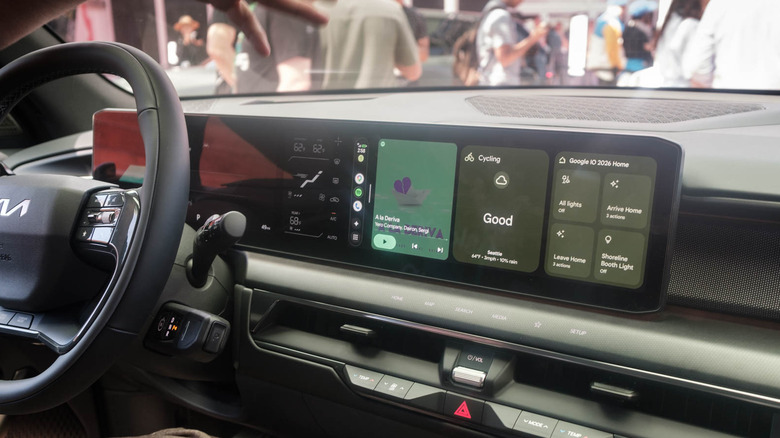
Android Auto comes with Android-like widgets
<a href