Here is when you want a special type of cable at home.
Most of us don’t think twice about the tangle of wires in our entertainment centers. As long as everything is working as intended, that entire arrangement is out of sight, out of mind. But having a clear picture of what all those components do can help you get the most from your setup.
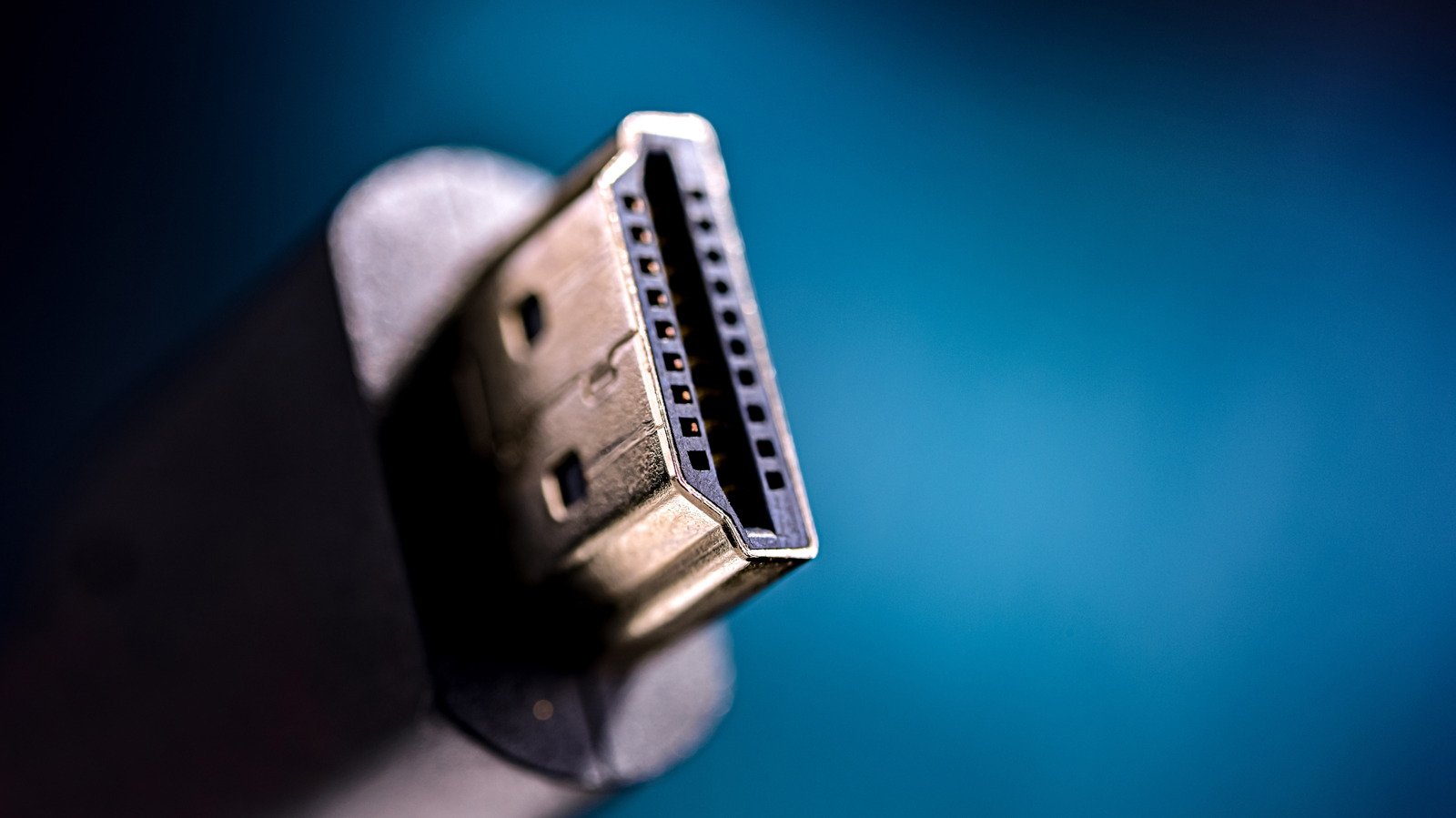
An important component of your living room is HDMI, which stands for High-Definition Multimedia Interface. It is one of the most common standards for cables used to transmit both audio and video signals, leading to its high presence in most people’s homes. These ports can be found on televisions, monitors, game consoles, and sound systems. And like other standards, it has seen improvements over the years to keep pace with parallel developments in picture and sound quality.
With more video streaming services boasting 4K picture quality, and sometimes requiring higher monthly subscription fees to access it, you’ll want to make sure your home theater is set up to take full advantage. Luckily, you shouldn’t need to replace all of your cables to enjoy a high-resolution video stream.
hdmi by numbers
There are currently two common standards for these audiovisual ports. The HDMI 2.0 spec was introduced in 2013 and HDMI 2.1 was announced in 2017. Although it was finalized last June, HDMI 2.2 is not yet widely available (more on that later).
You may not know which is which in your home theater setup because the cables can be used interchangeably, with a 2.1 cable plugged into a 2.0 port or vice versa.
The main difference between the two specifications is that HDMI 2.1 can use higher maximum bandwidth and is able to transmit more pixels at any time. HDMI 2.0 can deliver peak performance of 4K resolution at a 60Hz refresh rate, while HDMI 2.1 is capable of displaying the same resolution at 120Hz.
It seems that HDMI 2.1 will give better results and a smoother picture when you stream video. But the main limitation on quality is coming from streaming services, rather than your gear. The picture quality of most of them is 4K/60Hz.
This means, where there are current generation televisions and streaming picture displays, HDMI 2.0 is good enough for almost any situation. Both HDMI 2.0 and 2.1 are capable of transmitting 4K video, so most of your movies and shows will look crisp and clear with any configuration of cables and ports.
When is HDMI 2.1 needed or preferred?
The key to choosing HDMI is that a setup will only be able to reach the maximum level of the least advanced component. So even though HDMI 2.0 and 2.1 are compatible, having one of each means you will only be able to get the 2.0 specification.
The most likely use case where you might see a notable performance difference from all HDMI 2.1 components is not in streaming video content. It’s in gaming. Those of you playing competitive games online may want the added benefit from 4K resolution at a 120Hz refresh rate. Or maybe you’ve invested in a high-end PC or PlayStation 5 Pro and want maximum immersion in whatever you’re playing. In those cases, you’ll want to keep your connector cable and HDMI 2.1 in your monitor or TV to keep up with that display.
With HDMI 2.0, even if your game is capable of running at 4K and 120Hz on your hardware, you will be limited to that standard’s maximum refresh rate of 60Hz for 4K or you will have to drop the resolution to 1080p to reach 120Hz.
What about HDMI 2.2?
HDMI 2.2 was just announced as the next level available for the standard in June 2025. This option greatly increases the top specifications compared to 2.0 and 2.1. It supports a peak bandwidth of 96 Gbps as well as a better combination of resolutions and refresh rates, including a peak of 16K at 60 Hz as well as 8K at 60 Hz or 4K at 240 Hz with 10-bit or 12-bit uncompressed color.
You may wonder why this newest and fastest option for data transfer hasn’t been mentioned yet.
This is because although the standard now exists, not a ton of hardware exists to take advantage of the higher limits of HDMI 2.2. Whenever there is a technological change at this fundamental level, it takes time for manufacturers to widely adopt the latest version. There are some 8K televisions and gaming monitors on the market, but they aren’t cheap.
We’re still probably a year or two away from having all the different components of a home theater system ready to make 2.2. leap. Since you’ll be stuck with the slowest junction in your system in the meantime, there’s no point in stocking up on HDMI 2.2 cables now, unless you’re also planning on spending thousands of dollars on gear to use them.
<a href