
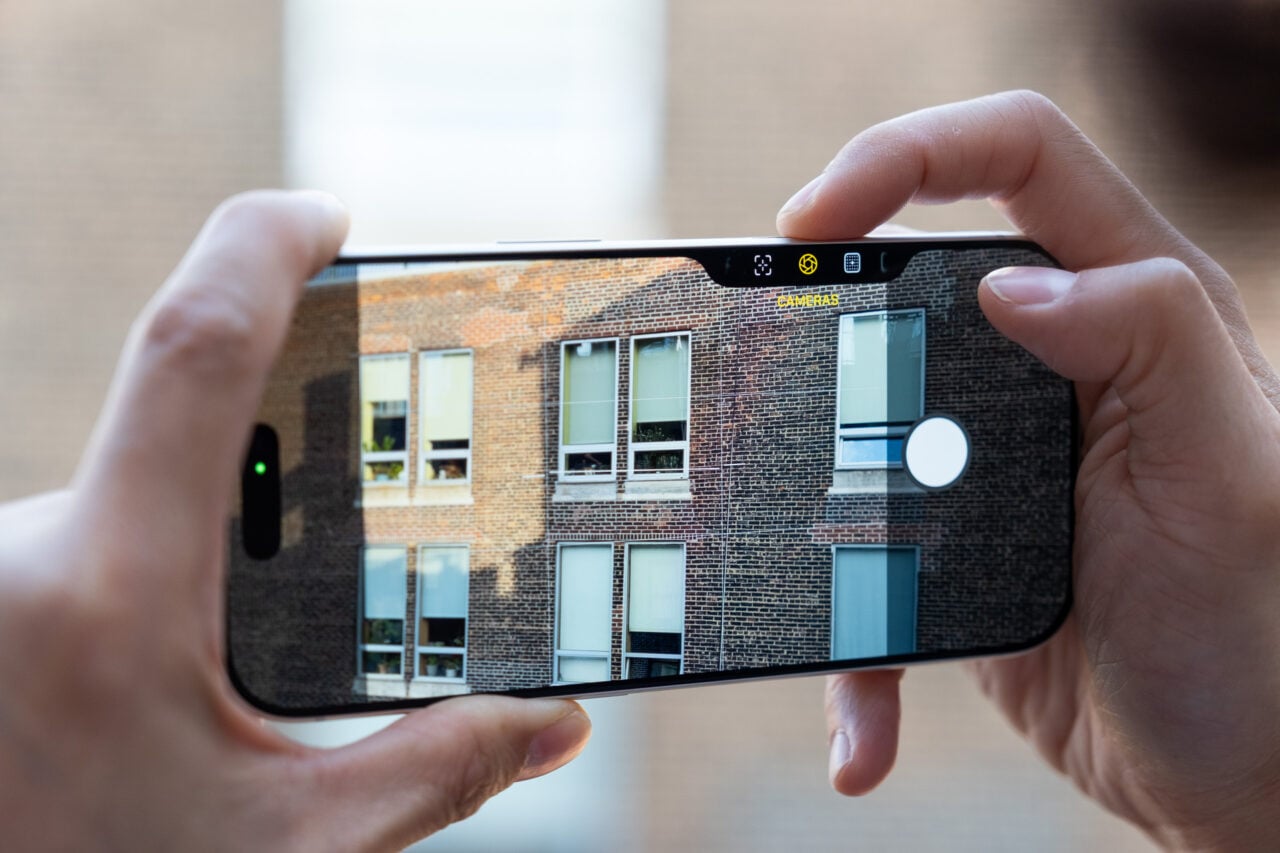
In the days before smartphones, if you wanted someone to take a picture of you in front of the Eiffel Tower or something, you first had to give them a little lesson on how to use your camera. An ambitious new iPhone update reported by Bloomberg’s Mark Gurman, but not yet confirmed by Apple, looks like it will make the default camera app so customizable, it could bring that kind of mess back to smartphone photography — but only if the phone’s owner chooses to set it up that way.
Gurman, whose reporting as always comes from unnamed sources, writes that the impending update, “should attract professional users.”
The physical side button that brought camera controls starting with the iPhone 16 invited users to get excited with the device’s more advanced features, and this app seems to be the next step for users who really like that button. From the sound of it, the camera app is going to be its own little ecosystem of sub-apps, called widgets, that add new control options “on top of the interface,” according to Bloomberg.
It seems like advanced smartphone photographers get a chance to really make their camera app their own, allowing them to have their favorite widgets ready at all times, discard widgets they don’t want to see, or leave the camera app as is.
According to Gurman, the widgets will vary according to each function, and will live in an “Add Widget” tray that can be brought up from the bottom of the interface. So for taking still photos, there will be widgets that control things like exposure and depth-of-field. The widgets come with euphemistic difficulty settings like: “Basic,” “Manual,” and “Settings.”
And did you know that there’s a control button in the top right corner of the camera app that looks like a row of apps? Gurman says it’s being moved to just to the right of the shutter button.
In addition to the new professional-grade features, Gurman writes that you’ll be able to toggle previous modes like Photos and Videos into a brand new mode called Siri Mode. Apparently Siri mode can be used for things like translating text within the camera app, or pointing your phone at a flower and finding out what type it is.
<a href