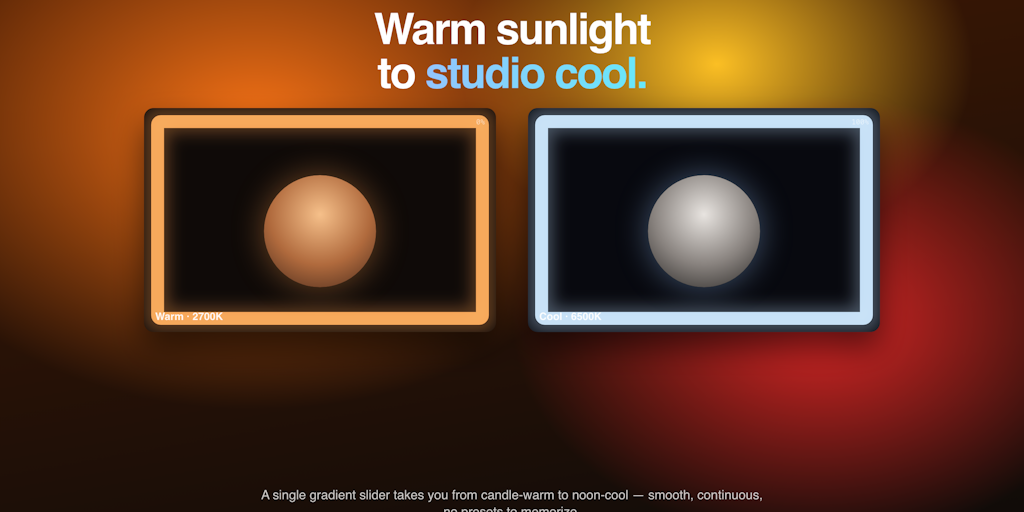
Thanks so much for checking out RingDisk! The idea for this app actually came out of pure frustration. Like many of you, my day is filled with back-to-back video calls, remote syncs, and quick Loom recordings. I tried using physical desk ring lights, but they always felt bulky, created cable clutter and, frankly, blinded me during long sessions. I realized that the huge, beautiful display right in front of us already had the perfect light source – it just needed the right software to control it. That’s why I created RingDisc. It turns your Mac’s screen into a highly customizable studio light without blocking your workspace. Why you’ll love it: Full control: You can adjust the temperature from warm amber to cool daylight, change the thickness (10px to 120px), and even select specific sides to avoid keyboard glare or eye strain. Notch and bezel friendly: With dynamic inset padding, the brightness securely grips your screen without clipping into your MacBook’s notch or menu bar. 100% private and lightweight: built only for macOS. It runs completely locally, requires zero internet access, doesn’t touch your camera, and sits quietly in your menu bar until you need it. No extra hardware, no messy cables, and no looking like a shadow in important meetings. For the privacy conscious, our official license agreement is available here: https://kzai.tilda.ws/ringdiskli…
<a href