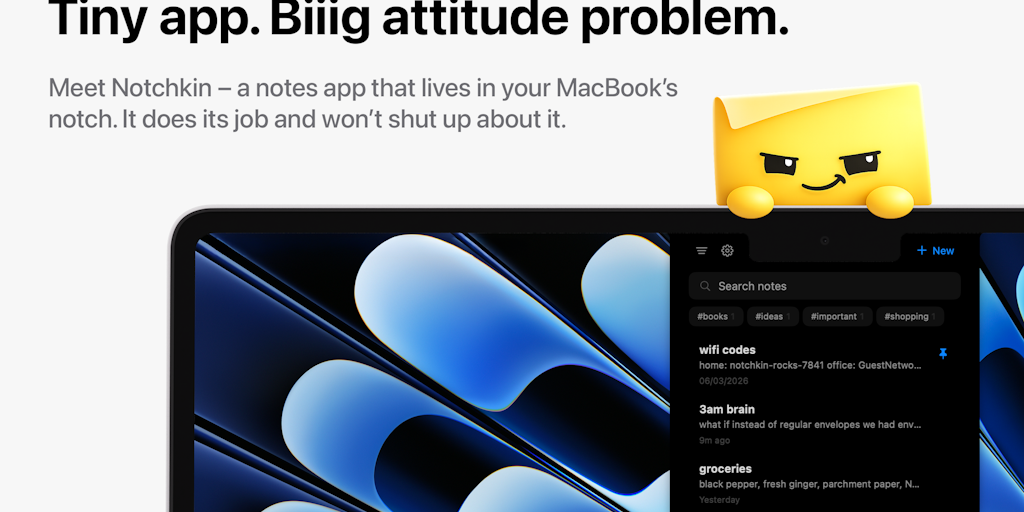
You don’t need to reach there at all. There’s a global shortcut (⌥N by default, remappable) that toggles the panel from wherever you are, so it’s as fast as any launcher. Hovering is a lazy option when your hand is already on the trackpad. There’s also a separate Quick Capture shortcut (⌘⇧N) if you want to insert an idea into a new note without any target.
The clamshell has upright soft spots on the exterior. It still works, Notchkin puts a panel on each of your displays, and on screens with no real notch it pulls up its own little one, so the hover target is there and ⌥N opens it directly on that monitor. I won’t pretend that drawn marks are what everyone wants, and if it’s not your thing, that’s fair enough. But this is a notch app at heart, so it needs a notch to live, whether real or drawn.
<a href