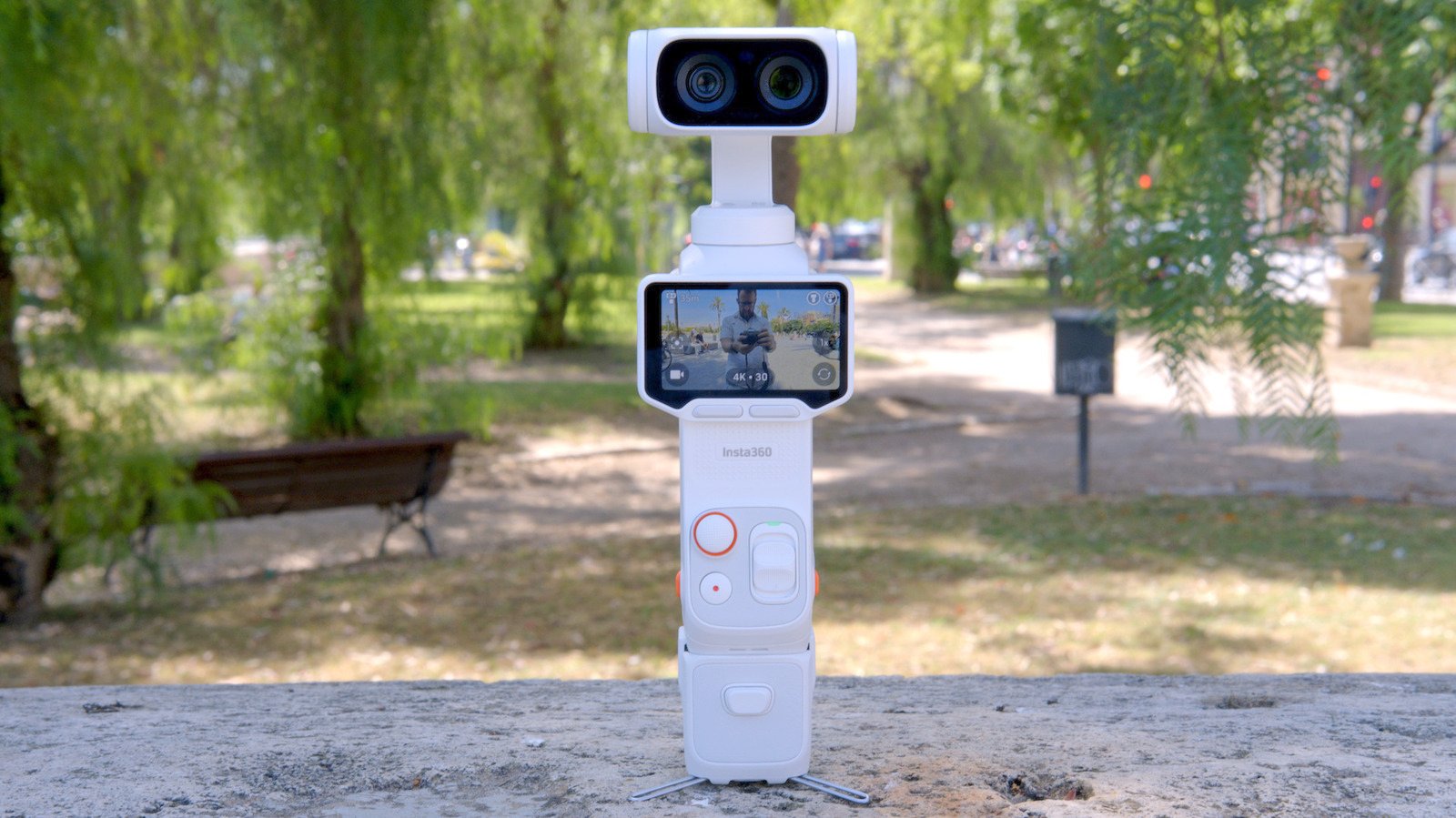
The company’s first gimbal camera is a high-powered Osmo Pocket rival that you can actually buy.
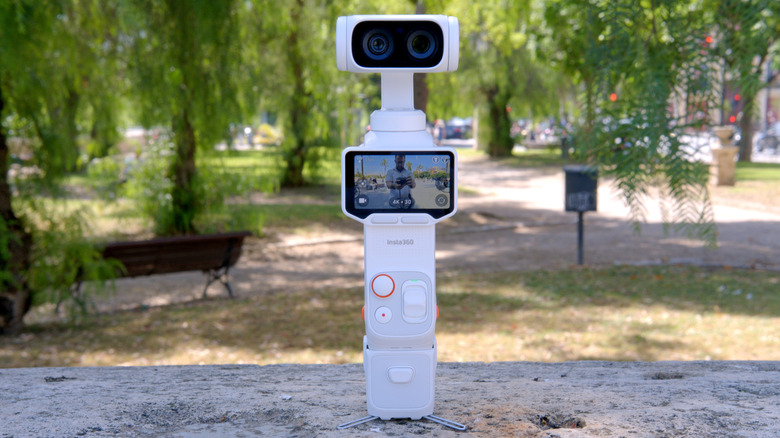
- optical zoom
- smart detachable display
- solid image quality
- Dolby Vision and i-Log
- Limited onboard storage for 8K
- less pocket friendly
- pro-sumer price
We may receive commission on purchases made from links.
Insta360 recently launched the Luna Ultra gimbal camera, effectively ending DJI’s monopoly on this category. The Luna Ultra features dual cameras with 3x optical zoom, a 1-inch sensor, and 8K video. It’s hard to ignore time.
The launch of the Insta360 comes just ahead of DJI’s own dual-lens Osmo Pocket 4P, which is speculated to have similar features including optical zoom. Whether it’s coincidence or calculated timing (hint: it’s never a coincidence), one thing is clear: DJI finally has some serious competition in the handheld vlogging space.
camera
Luna Ultra shoots 8K/30 fps video or 4K at up to 120 fps with support for Dolby Vision. It has 47GB of internal storage, which can be expanded via microSD card, and a 1,550mAh battery that should deliver around four hours of recording time. The dual camera setup includes a 1/1.3″ sensor with an f1.8, 20mm lens, a 1-inch sensor with an f2.0, 60mm telephoto. This twin-lens setup offers 3x true optical zoom plus 6x “lossless” (in-sensor) zoom and 12x digital zoom.
The shooting modes available are the same ones you’ll find on any of the company’s other cameras: regular video mode, PureVideo (low light), Timelapse, Timeshift (“Hyperlapse”) and Barrel Roll. Vertical shooting is supported either through the menu or by rotating the 2-inch display 90-degrees. Sadly, portrait video is limited to 3K, the same as DJI’s Pocket 4. Dolby Vision and i-Log color modes are available and even the “standard” color mode is 10-bit. Photos come in two flavors: “standard” 9-megapixel or the more powerful 37-megapixel “UltraPhoto” mode.
detachable display
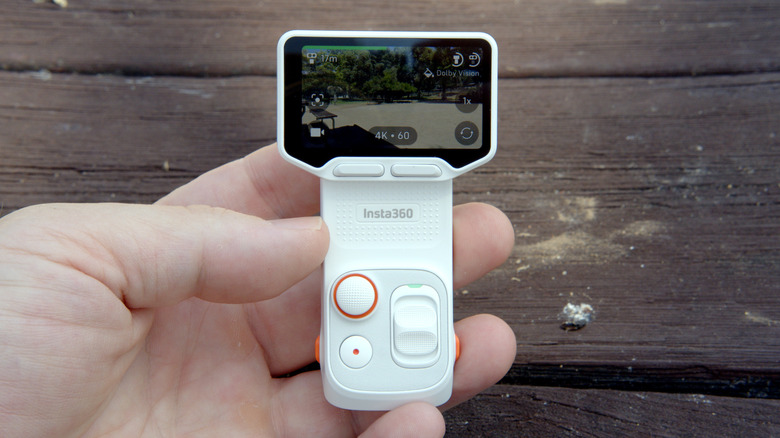
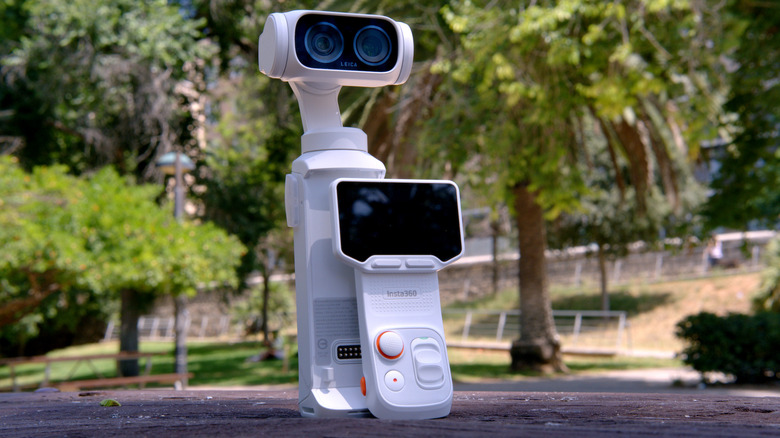
Easily, the most interesting hardware feature on the Luna Ultra is the removable front panel that transforms into a wireless display for remote control and framing. Even better, you can pan, tilt, zoom, and navigate the onscreen menus from up to 60 feet away from the camera. My favorite part is that there’s also a microphone right above the screen so you can record stand-ups in-camera without the need for an external mic. However, you may still want to do this. Although the audio provided by the display is perfectly acceptable, it’s not as strong as you’d get with a dedicated mic kit.
Much of the Wireless Display’s functionality is also available through the mobile app (except the microphone), but it’s better to use the device’s physical controls. I’ve never really been a fan of camera companion apps. Insta360 works perfectly fine, but it still has occasional connection issues, and it still requires your phone to be brought into the mix. This is where Insta360’s display innovations actually seem useful – with bonus points for being fun.
optical zoom
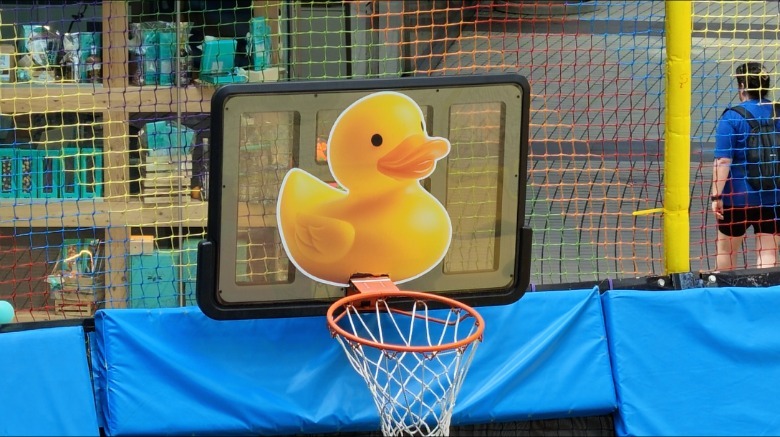
For gimbal camera fans, the optical zoom is probably the most interesting feature of the Luna Ultra. With the Osmo Pocket you have 2x in-sensor zoom which is helpful but limited. The 3x optical zoom on the Insta360 brings a lot of flexibility. I even think that the 6x in-sensor zoom looks so sharp in most cases that you won’t notice any visible artifacts. Once you get to 12x digital zoom, you can definitely see things start to get a little blurry, but if the lighting is good, that’s still quite useful at times.
 James True for Engadget
If you tap the zoom bar up or down quickly, it will jump across whole stops (1x, 2x, 3x, 6x, and 12x). If you prefer a smoother zoom, or want more specific framing, you can do so by pushing the slider down. You may sometimes find that the primary lens hands off to the telephoto as objects in the foreground may move slightly or the tone of the sky may change color due to different apertures and sensor sizes. This isn’t a problem unless you specifically want to record while zooming between 2.9x and 3.1x, but it’s something to be aware of.
The more I used the camera, the more I liked Zoom. With other vlogging cameras like the GoPro Mission 1 Pro or Pocket 4, the lack of zoom never bothered me. After constantly testing the Luna Ultra, I found myself able to discover shots or capture footage I hadn’t thought of before. So much so, I find myself willing to reach for the Luna Ultra instead of the Pocket 4, forgiving the extra weight of the larger camera. Of course, the real test will come once the Pocket 4P lands.
in use
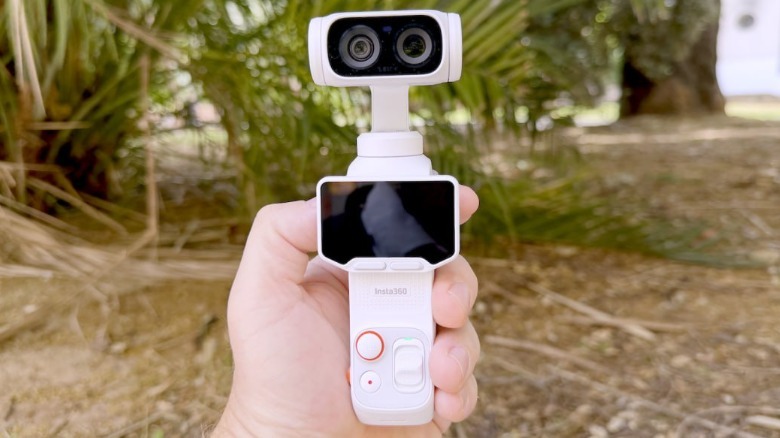
If you’ve ever used an Osmo Pocket the whole experience with the Luna Ultra will feel very familiar. From flicking the display 90-degrees to turning on the camera and menu system, there are a lot of similarities. The Luna Ultra is considerably larger, however. The body sections of both cameras are actually the same size, but the gimbal head on the Luna Ultra is much wider (and thus taller when held), and this makes the camera feel a little less pocketable.
DJI’s influence is noticeable even when things don’t work as well as I expected on the Luna Ultra, simply because that’s how they are on the Osmo Pocket. For example, on DJI’s gimbal cameras, flicking the screen to a vertical position can either turn the camera off or switch it to portrait mode. On the Pocket, there’s a hybrid mode where you’re presented with the choice – turn the camera off or press a button to keep it running in portrait mode. This is the one I prefer and it is not present on the Luna Ultra.
 James True for Engadget
After carrying this thing around for a few weeks, I’ve found that the extra size is generally not a problem — with one caveat. The camera comes with a protective case that covers the gimbal, and with it attached, we’re stretching the definition of what you might call “pocketable.” DJI’s Pocket 4 has a smart gimbal lock that keeps things secure without adding any bulk, which keeps things very portable.
In terms of image quality, the Luna Ultra delivers a bright, slightly saturated but pleasing image. This can be easily adjusted in “Pro” mode to make it look flatter or more cinematic depending on your needs. Dolby Vision support is a nice feature, but I personally feel it can introduce unexpectedly saturated areas in bright light. I found that the edges of a tree’s green leaves against a bright and sunny blue sky are sometimes blurry. Meanwhile, some of the street vlogging shots I took looked more balanced thanks to Dolby Vision. If you plan on using it, be prepared to experiment with it at first.
Insta360’s collaboration with Leica on the Luna Ultra includes a selection of color filters. These are quick and easy ways to add a specific vibe to your footage. If you prefer to grade your own shots, the i-Log Color mode is probably your best option for achieving the look you want.
wrap up
We’re at a weird point where the full direct competitor to the Luna Ultra hasn’t been released yet, but we know it’s coming. We can compare it to the Osmo Pocket 4, but it’s not apples to apples. DJI’s Pocket 4 is smaller, more affordable, and of course not (officially) available in the US. It’s unlikely that Pocket 4P will be available in the states.
The good news is that the Luna Ultra is a great vlogging camera independently. It’s also expensive, starting at $770. But that’s also roughly the same cost as GoPro’s Mission 1 Pro and DJI’s Pocket 4 will cost more than that for most Americans due to the extra cost incurred for gray imports. Overall, it seems that premium portable cameras have become expensive. The Insta360 has made a great debut in the category and we are all waiting to see how DJI responds to it.
<a href