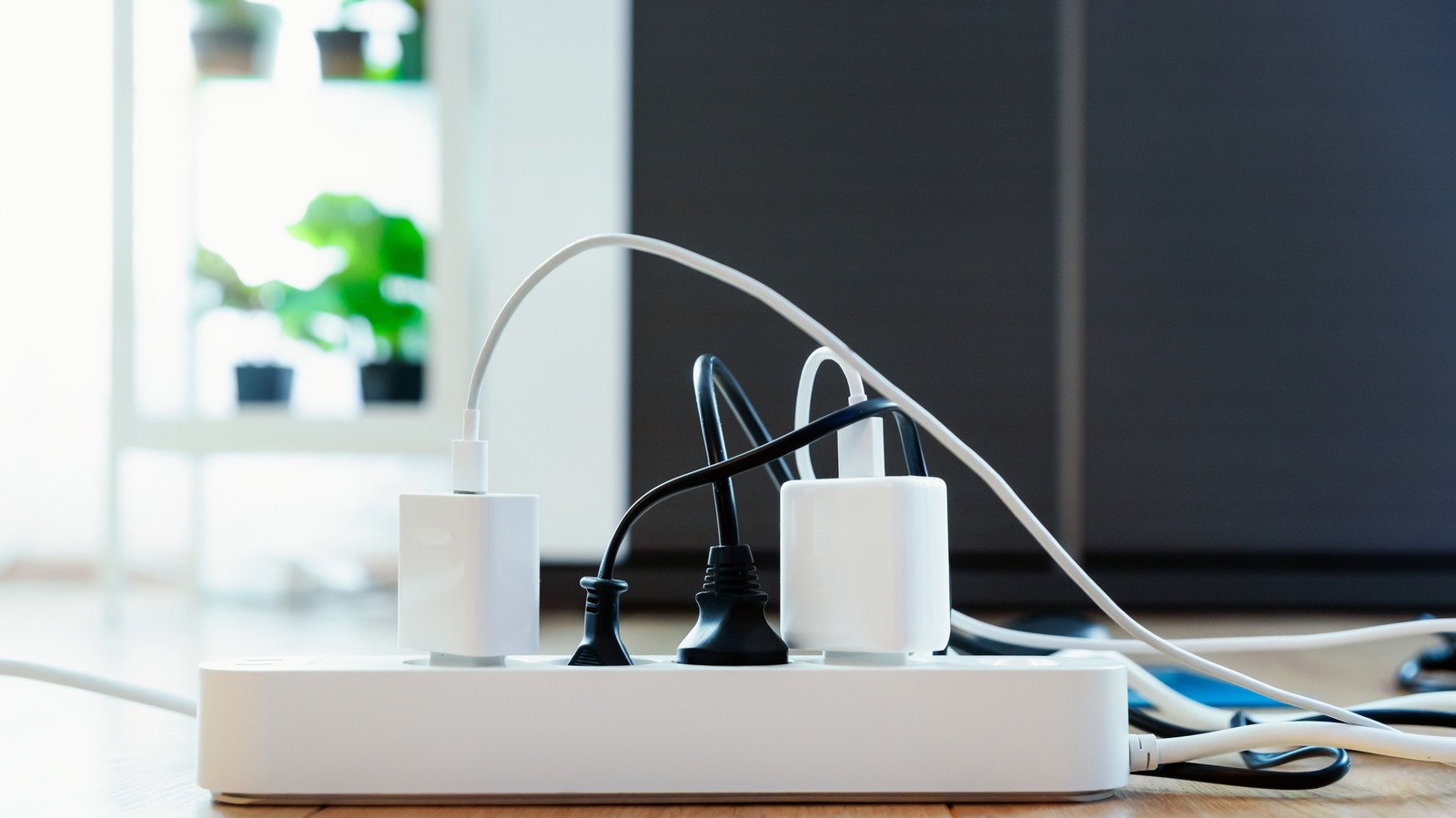
How often do you check the power specifications of your device before plugging it in? If the answer is “pretty much never” (no judgment!), you’re not alone – but knowing those numbers is really important when it comes to safely managing the load going into a given outlet. And the smart home era has brought an additional layer of complexity. Nowadays, you may not always be plugging a device directly into a wall socket or power strip, but instead into a smart plug that acts as a go-between.
You might also consider plugging a power strip into a smart plug to allow remote control, voice commands, and scheduling across a few devices at once instead of separately. However, for the most part, this is a setup that would be better avoided. Why? It all goes back to those specifications.
Smart plugs are not inherently incompatible with power strips. The issue is about the risk of accidentally pushing devices beyond their capacity that cumulatively draw more current than the plug can handle.
How to protect smart plugs from overloading
All your appliances should have a sticker or marking stating their voltage (V) and wattage (W). You’ll also often see a maximum amps (A) rating, which indicates the total amount of current the device can safely draw. That number is important. If you don’t see it on the device, you can usually find it in the manual or spec sheet, or you can calculate it yourself by dividing the number of watts by the number of volts (W/V). For example, Govi’s Smart Plug Pro with Energy Monitoring is rated at up to 15A. Plug in a power strip with six, eight, or even more outlets, and you may inadvertently be at or over that limit when you fill it up.
Take it from smart home company TP-Link: “Plugging a power strip into a smart plug is not recommended. Smart plugs have a lower maximum load capacity than a power strip. Connecting a power strip – or plugging a smart plug into an extension cord or surge protector – creates a risk of overloading the smart plug without realizing it, which could damage the product.” And even more catastrophic than slight damage to the product or outlet is the possibility of a fire with this setup.
Unless you’re committed to doing the math every time you add a new device to the strip. And You know with absolute certainty that your calculations are correct, it is not worth the risk. Save yourself the hassle and plug your power strip directly into the wall instead of a smart plug. Smart plugs are sold in multi-packs at a relatively low price anyway, so using them for multiple devices shouldn’t be a problem.
While you may also be considering a smart power strip, proceed with caution. Most smart power strips are still only rated for 15A or less, so you can easily exceed the load capacity by going this route.
<a href