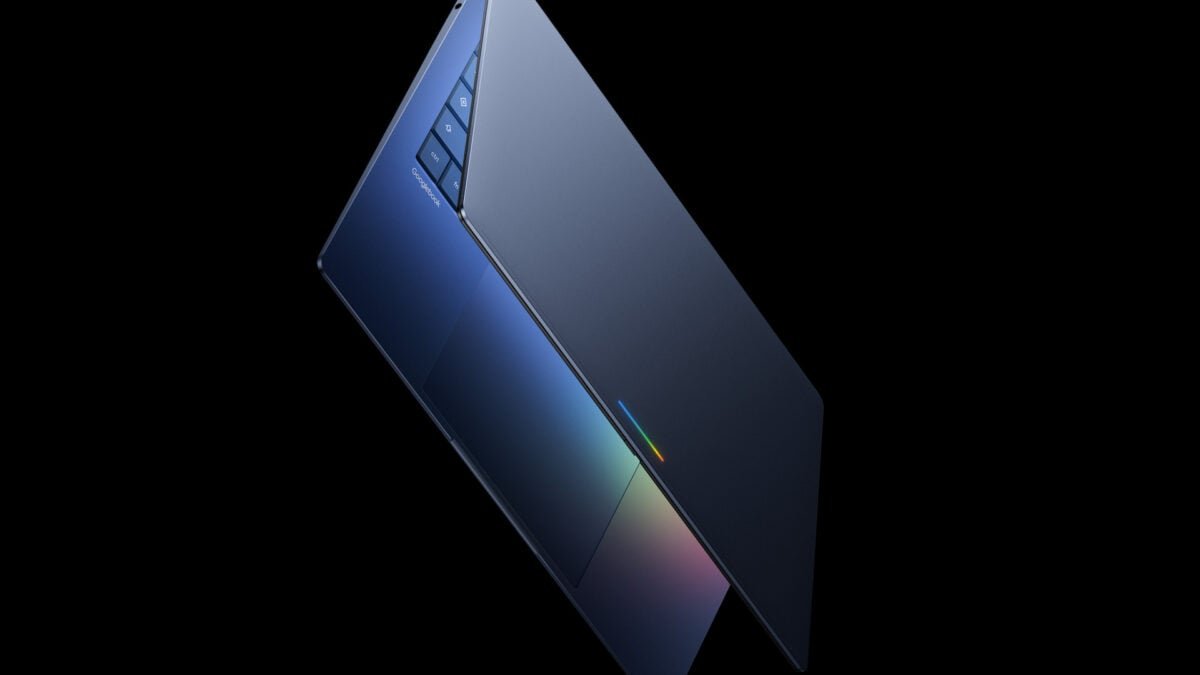
Logically, Googlebooks should offer a leap in capabilities beyond existing Chromebooks running ChromeOS. If you glanced too quickly at the Android developer blog, you might have missed a very brief mention of Googlebooks and the alleged growth of Android on the desktop. Google has not yet revealed the exact name or functionality of its new operating system, but a blog post called it “the next generation of ChromeOS.” Google has not yet confirmed what the next-generation Android-based operating system will be officially called.
It is clear from the blog that Google wants developers to design their apps not just for phones, but for devices with larger screens. This “laptop class feel” of Android apps will require a completely different mindset and UI than many Android developers. It’s not just the size of the app window. The app UI needs to be completely redesigned for different size resolutions with support for keyboard and mouse controls.
Google has an entire guide dedicated to designing for desktop experiences. It reads like a crash course in the fundamentals of notebook apps, like running multiple applications simultaneously as well as the basic concept of multitasking. There is a new “Desktop Emulator” as part of the Canary build of Android Studio for developers to make changes to their apps to make mobile apps a “premium desktop class experience”.
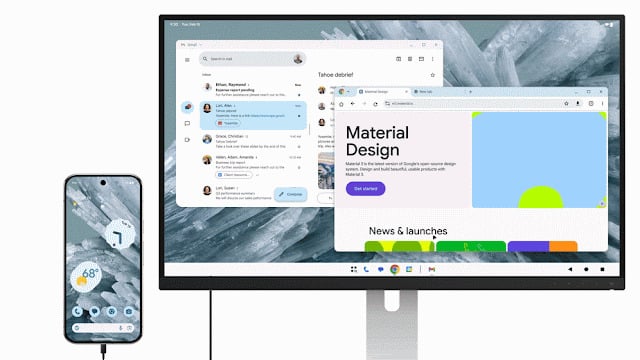
Samsung phones already support DeX, which is a kind of big screen mode that works when you connect your device to a monitor. The latest version of Android 16 QPR3 beta enables external display support. Heck, it even includes a ChromeOS-like taskbar. So, what’s really new? In its dev docs, Google touts features like cross-device support, which lets you use an app on one device and transition to another in a “nearly equivalent state.”
It appears that Google is positioning Googlebooks as a supporting tool inside the larger Android ecosystem. In this Apple-like walled garden, your Android XR device will be connected to your Wear OS watch, mixed with Gemini’s purported agentive capabilities.
This garden can only flourish if Google spreads enough seeds made of apps that people actually need to use on the big screen. More than a decade ago, Google allowed you to load some native Android apps on your laptop. They were not always the right size for these screens and sometimes did not work well with mouse and keyboard controls. You can also install some Linux apps on the Chromebook, although if you go that route, you’ll be better off installing the entire Linux distro on the laptop and moving on.
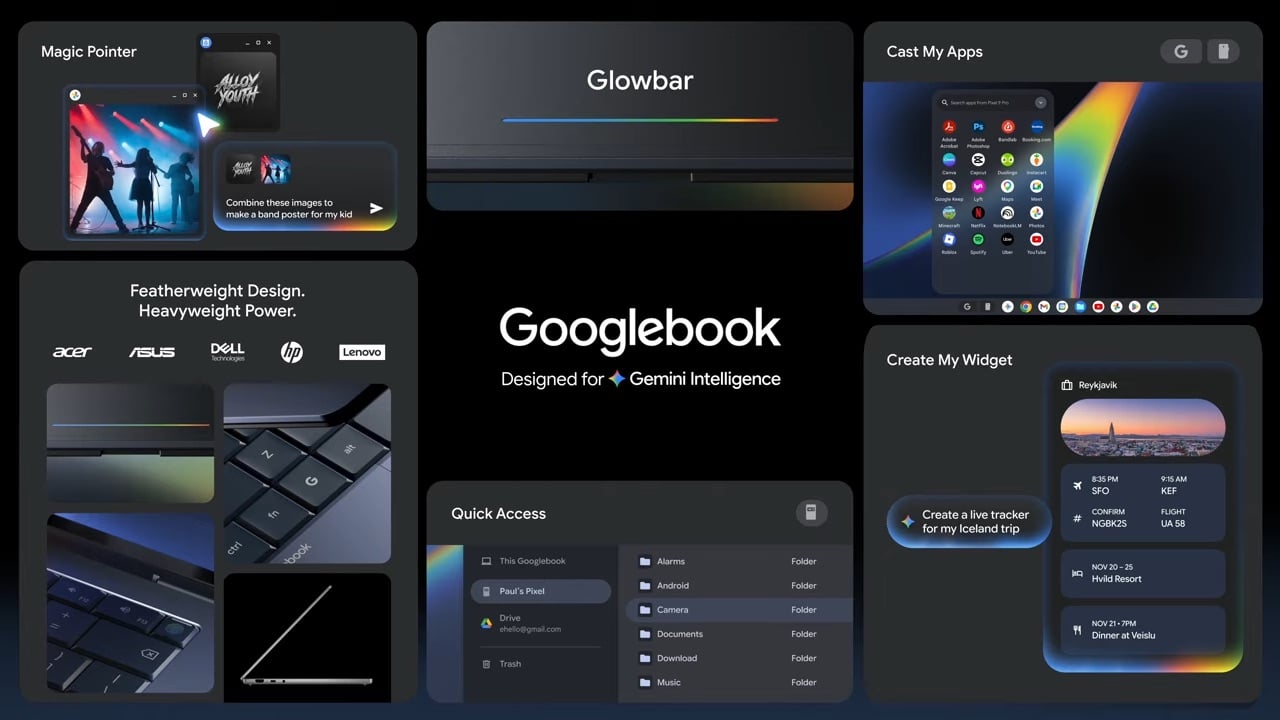
A laptop needs to offer much more than a large canvas for your apps. They need to support real productivity and non-work tasks with quick operations. Google and Intel have already confirmed that we will have their chips inside these next generation devices. Both MediaTek and Qualcomm have separately confirmed to Gizmodo that they are making chips for upcoming Googlebooks launching this autumn.
If these upcoming laptops prove to be more premium devices than normal Chromebooks, they could bring more power to existing Android apps. This still may not be enough to truly make it a Mac-like experience. Apple’s $600 MacBook Neo gives users access to the entire macOS suite and a big helping of native apps designed to entice and encourage developers over the years through its historic transition to ARM. MacOS is by far a more robust operating system than the browser-focused ChromeOS.
<a href