Thanks for the thoughtful question! 🐱
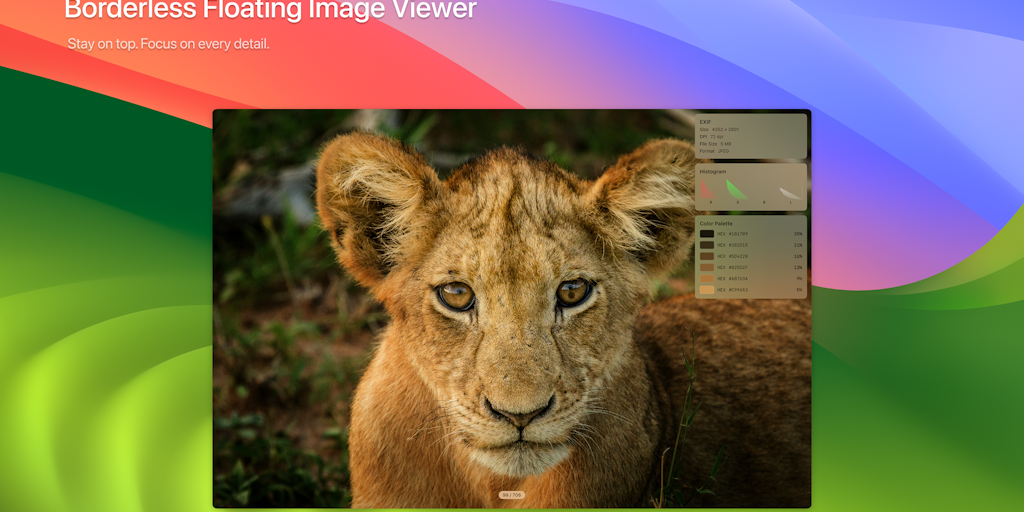
The philosophy was simple: The viewer should disappear, and you’re just looking at your image – but when you need to dig deeper, a keystroke instantly brings up any Pro Tool. No menu, no panel, no Chrome. Just the image.
Scope decisions were driven by our own daily workflow – EXIF and histograms for photography, OCR and color tools for design/development work. Each feature has a single-key shortcut: H for histogram, ⌘I for EXIF, T for OCR, C for color picker, P for palette, W for compare. They appear when you need them and disappear when you don’t need them.
Surprised? Color palette extraction. We expected EXIF to be the main “pro” draw, but designers and developers constantly tell us they love hitting P on any image and getting a useful 6-color palette they can copy to HEX/RGB/HSL. This transformed Floatpik from a “nice viewer” to something people keep open all day as a reference tool.
<a href