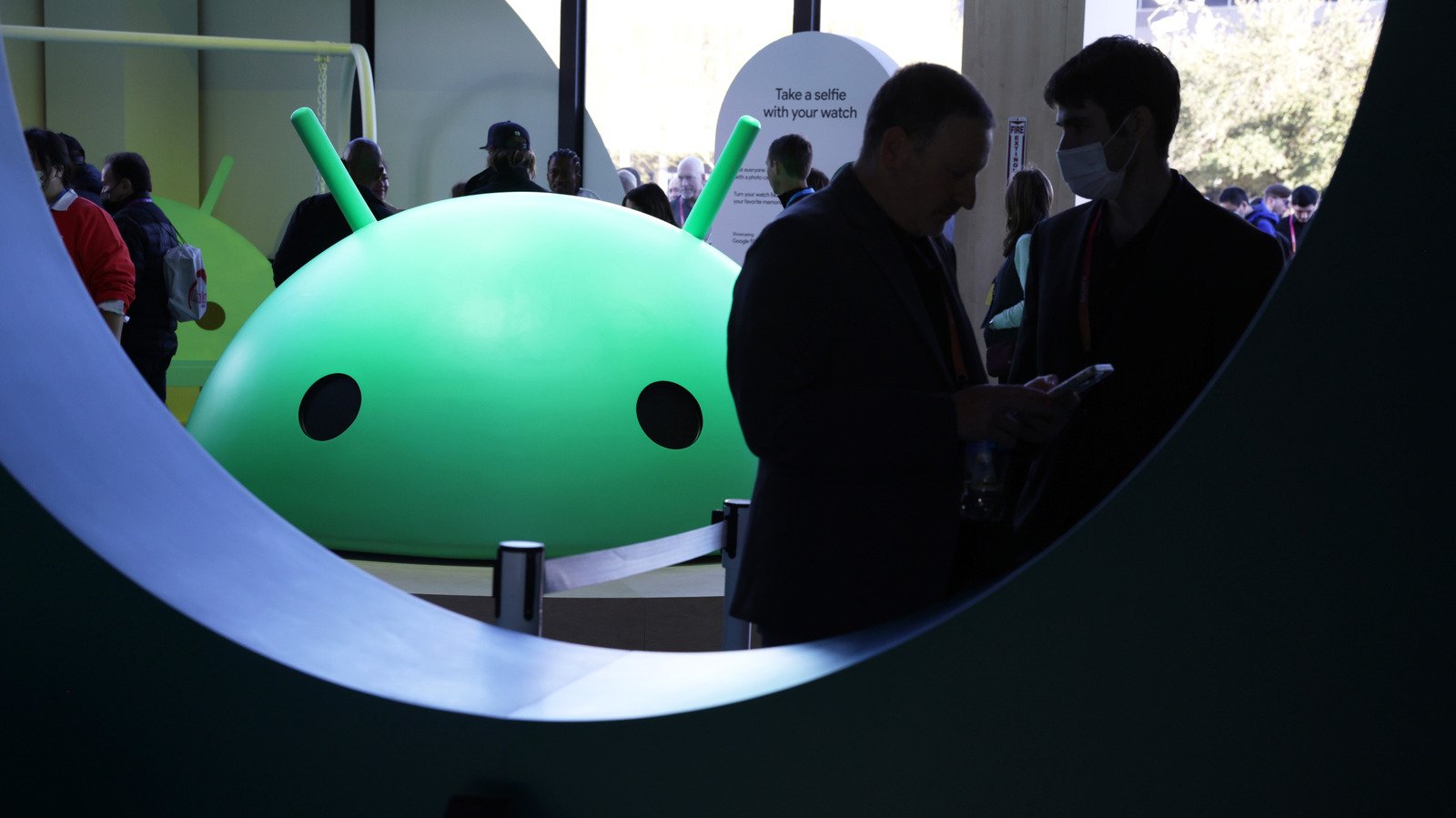
Google’s mission to add an extra layer of polish to its mobile OS continues with Android 17. With last year’s update, the company focused on upgrading its notification experience and adding a large-screen desktop mode. Not surprisingly, Android 17 will lean toward greater integration with Google’s Gemini (including the excellent ability to create app automation). But if you’re not interested in AI, there are still some notable additions, especially when it comes to file sharing, 3D emoji, and reigniting addictive apps with iOS.
Google surprised us all last year when it added support for Apple’s AirDrop to Android’s Quick Share feature on Pixel phones, and we’ve heard official word that it’s expanding that feature to more devices soon. Today on the Android Show livestream, ahead of Google I/O, Google revealed that the feature will be available “this year” for Samsung, OnePlus, Oppo, Vivo Xiaomi and Honor phones, as well as potentially more partners.
While you wait, the company is adding the ability to generate QR codes on any Android phone today so you can instantly share files with iOS users over the cloud. Google also says Quick Share is headed to popular apps like WhatsApp “soon.” It’s unclear why this feature isn’t widely accessible to every app on Android, without additional developer work, similar to iOS’s ubiquitous sharing options.
And speaking of iOS, Google also says it has worked closely with Apple to make it easier for people to switch from iOS to Android devices. I’ve contacted Apple to confirm that collaboration (this is especially surprising after Google added AirDrop support Without Apple’s help, which certainly caused a bit of panic in Cupertino).
As far as those 3D emojis are concerned, they’re exactly what they sound like: slightly more realistic three-dimensional emojis. You could definitely call this progress for Google, since the last time we saw some major emoji evolution was almost a decade ago in Android Oreo O, when the company moved away from undefined amorphous blobs, toward a flatter and more distinctive design. Hopefully this upgrade is a sign of more design changes to come in Android 17.
 Google
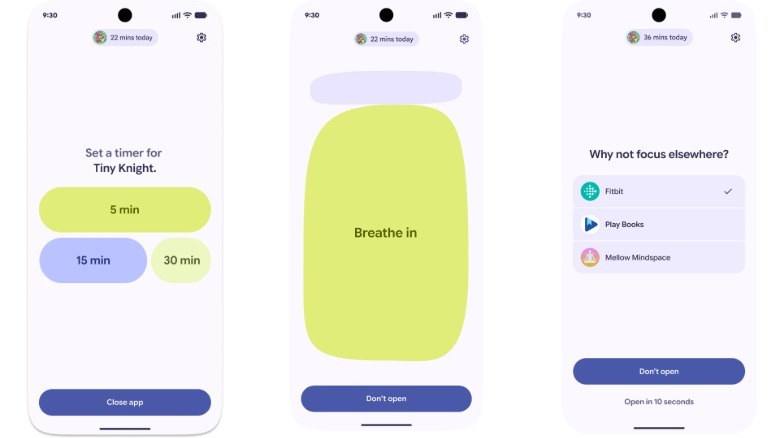
A potentially more useful new feature in Android 17 is Pause Point, a 10-second delay that appears when you open distracting apps, giving you a chance to rethink your life choices before doomscrolling on TikTok for an hour. During that window, you can set a timer for the decluttering app you want to use, do a quick breathing exercise, or switch to a healthy app alternative like Fitbit.
Google introduced Pause Point as a more practical way to prevent distracted browsing than a complete lockout, and it’s harder to snooze than a normal app timer. As someone who’s guilty of wasting too much time on TikTok, Pause Point sounds really compelling. It’s also interesting to see that Google has actually added friction to turning off the feature — doing so requires a full restart, which gives you even more time to rethink your social media browsing habits.
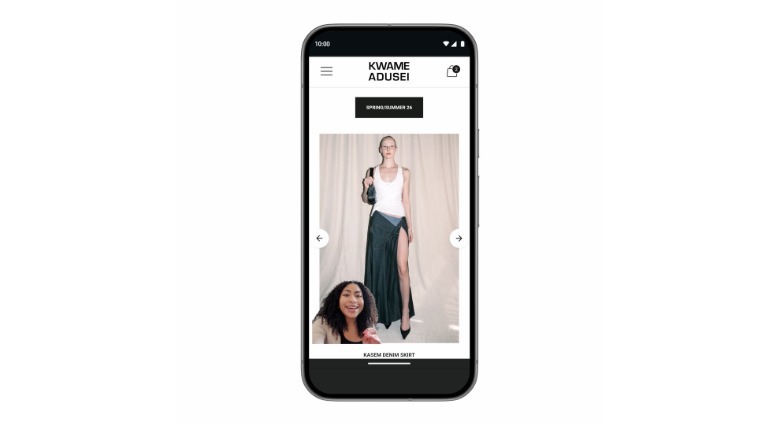
Ironically, while Android 17 is making it easier to create content for social media, it’s also making it a little more annoying to browse. Google’s new Screen Reaction feature lets you instantly record an overlay video on top of whatever’s on your screen – perfect for conversations about the latest news or gossip. Most social media apps offer similar capabilities, but as a core part of Android it’s potentially more useful, as people can also use it to share commentary videos with friends and family without having to broadcast them to the world. (What’s even more ironic is that Android 17 also has a number of new features to improve your Instagram videos.)
<a href