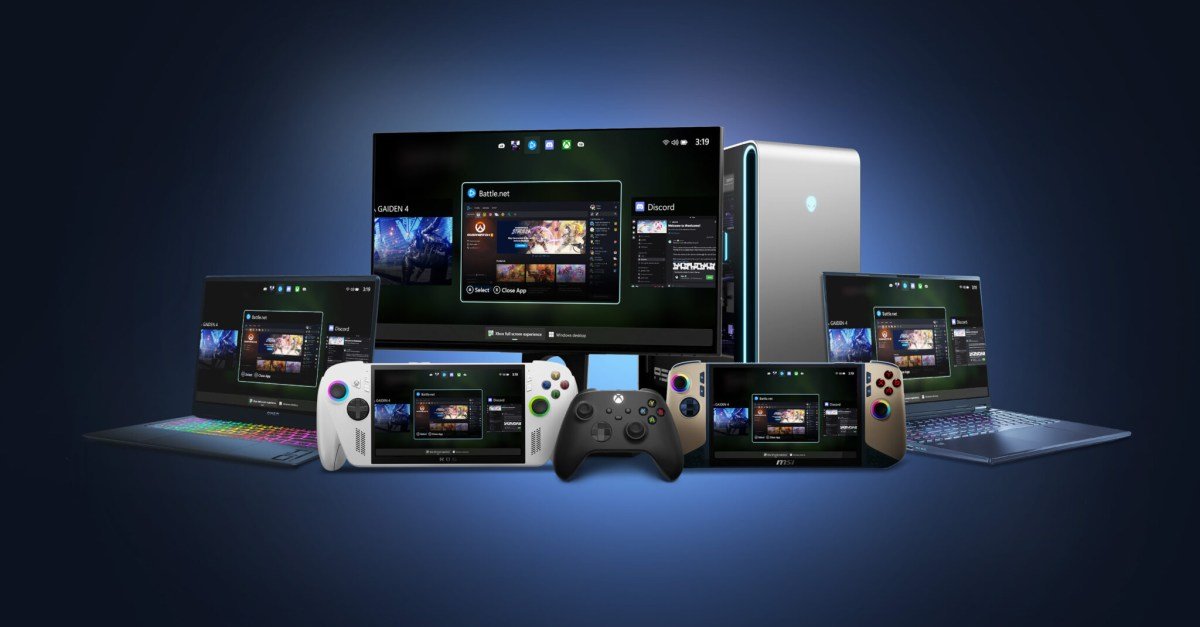
Microsoft is bringing Xbox Full Screen Experience (FSE), which adds a console-like UI when navigating through your game library on PC with a controller, to laptops, desktops and tablets. FSE launched with Xbox Ally and Xbox Ally
The laptop, desktop, and tablet expansions are available on the Dev and Beta channels and for those in the Xbox Insider program as part of the new Windows Insider Preview build. To turn on FSE on your PC, “hover over the Task View icon on your taskbar and select Xbox full screen experience,” says Microsoft. “You can also open the Xbox full screen experience in Game Bar > Settings or by pressing Win + F11 to toggle the experience.”
However, even if you’re a Windows Insider, you may not have access to FSE right away, as Microsoft says the feature is “gradually rolling out” with new Windows Insider builds. It also requires that you have the Xbox app from the Microsoft Store.