Microsoft has turned Windows 11 into a broiling soup of AI features. Since Windows 10 is effectively dead, with reported millions of users forced to switch to an AI-filled version of Windows, all the features we miss most are gone with it. So finally, after more than four years, Microsoft is bringing back a useful addition from an older version of its operating system.
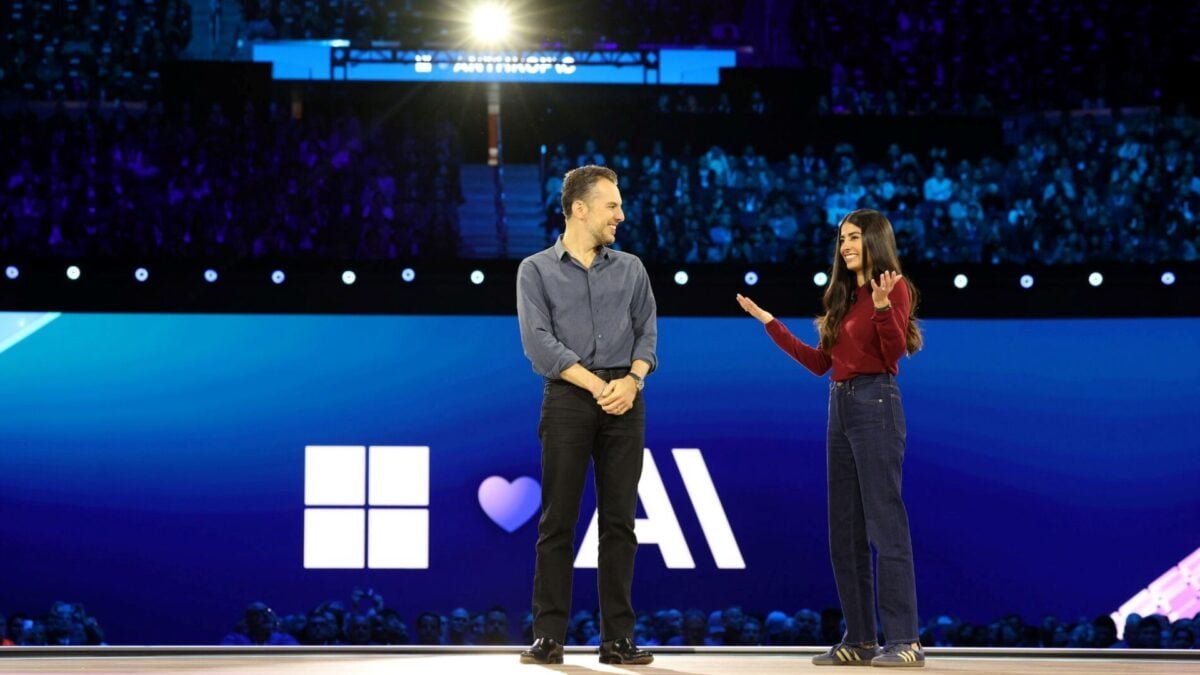
If you’re like me, and you’ve had a long-standing love affair with Windows 10, you regularly click on the Windows 11 taskbar, imagining that you’ll be able to check its Calendar widget only to remind yourself that Microsoft has inexplicably removed that useful Windows 10 Calendar flyout. At its Ignite 2025 conference on Tuesday, Microsoft said it was adding back the calendar flyout when you click the date and time stamp in the bottom right corner of the default Windows screen.

The fact that the feature was missing since October 2021 is serious considering how many third-party alternative apps came out to bring back the Windows 10 calendar and clock. Almost every other major feature announced for Windows 11 focuses on AI. Essentially, if you can’t be bothered to type your own text and emails, the Copilot chatbot will infect every single text box inside the OS, including any external apps. Microsoft promises that this AI text generation will run on the CoPilot+ PC’s NPU, or neural processing unit, rather than working in the cloud. If you don’t have a modern PC with the latest Intel, AMD, or Qualcomm Snapdragon laptop chips, this feature will work on the cloud.
Even more AI, whether you like it or not

Otherwise, like every other part of Windows 11, there are loads of new AI capabilities being pushed onto the taskbar with questionable use cases. The taskbar will also host the search function CoPilot, specifically the “Ask CoPilot” function, which tries to get users to talk to their PC. Microsoft is also bringing its new Researcher app, which tries to create detailed research based on the prompts given, along with your other normal apps. Microsoft said users don’t need to enable these taskbar apps if they don’t want to. However, CoPilot will also appear on the File Explorer search bar with the promise that it will summarize documents for you with a single click.

The only AI feature that might occasionally prove useful is a new “Fluid Dictation,” a speech-to-text feature that promises to generate legible text from your babbling — including proper punctuation. The feature should also remove any “uh” or other filler words. Otherwise, 365 apps like Outlook will start generating AI summaries for your emails, while Word will create automatic alt-text for any images you insert into the document. The apps will also have a new “Agent Mode” for all existing customers to prepare spreadsheets and documents on a prompt basis. These features can sometimes be useful if you’re using Microsoft 365 every day. Otherwise, it’s just a weapon for Windows to serve up even more pop-up ads and banners to get you to subscribe to the tech giant’s workplace apps.
Why are we still begging for basic amenities?

Microsoft’s Ignite 2025 conference was supposed to reveal how Windows 11 will become an “agentic” OS. This means computers will be able to give Copilot a complex task, then let it complete it in the background while you do your thing. This would also mean that Copilot would be given access to all your personal files, emails, photos, and more. Sure, the AI is essentially running in its own separate Windows client on the cloud, but that also means it needs to process your data on foreign servers. The company had promised to keep user data safe.
These changes are causing a backlash among longtime Windows users and developers. Whether the new features prove useful will depend on what you’re using your Windows machine for. An average user may find the abundance of AI apps confusing and useless. The siren song of Linux is calling more than ever, and with the arrival of new tools like the Steam Machine, Linux PCs may have a stronger hold in 2026 than ever before.