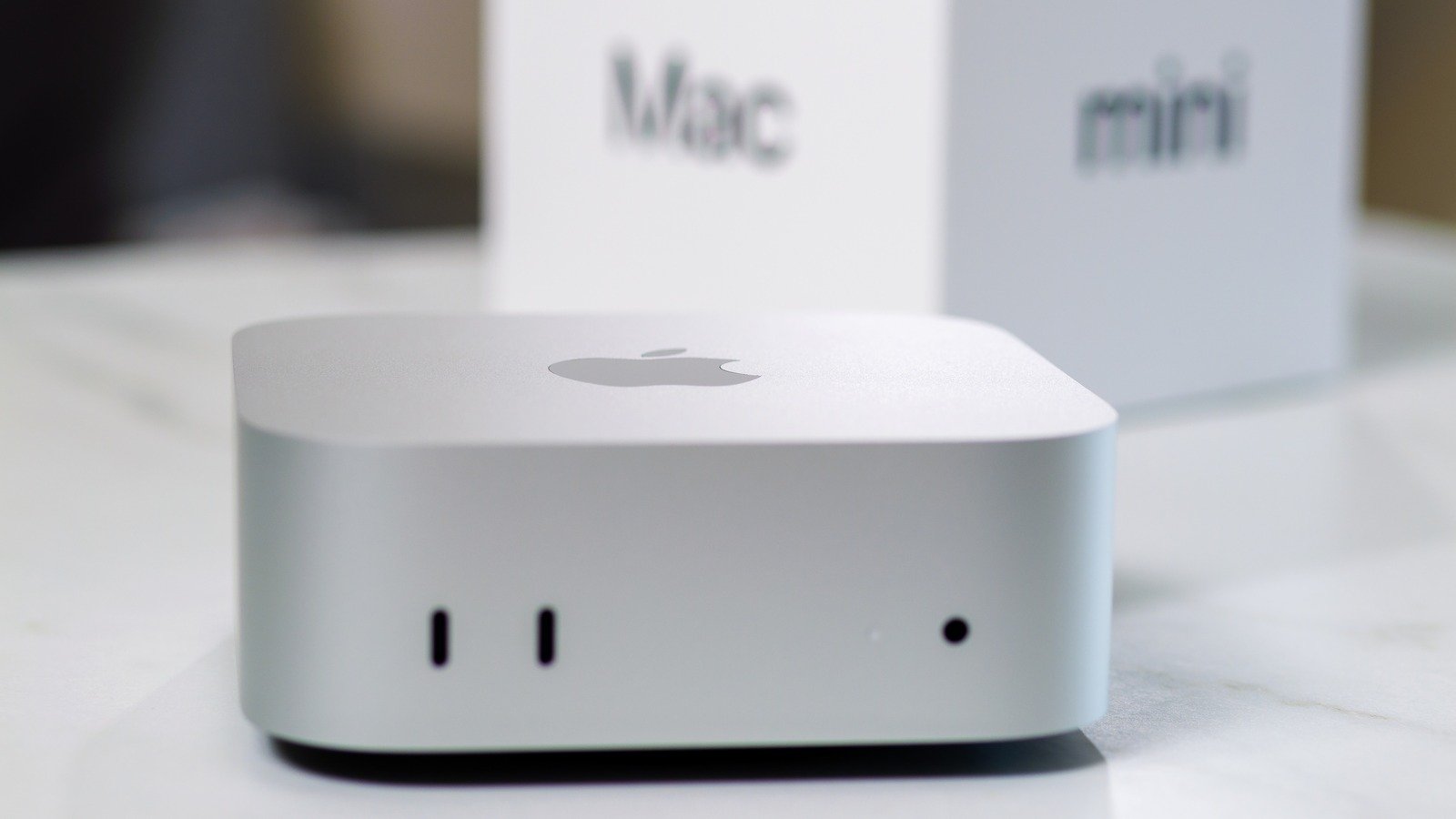
The Mac mini is one of Apple’s most attractive computers, especially for those who want the benefits of a desktop computer without the premium pricing of Apple’s more professionally minded Mac Studio. After all, the Mac mini is Apple’s smallest desktop option, and with the latest models featuring an M4 or M4 Pro chip, it offers plenty of performance for most people’s computing needs. Starting at $599 for the base model, the Mac mini costs significantly less than even a new iMac.
But the Mac Mini is a little different from other Apple computers. To achieve that $599 price point, Apple has removed some things from the package that you’d typically get when buying another Apple computer. The Mac Mini also requires a little knowledge to make sure you’re getting your money’s worth, and these are important considerations when making a purchase.
When going through the process of buying a Mac mini, it will be important to understand what comes in the box, what doesn’t, and which hardware configuration is best for your needs. These considerations can be the difference between a great value purchase and a costly mistake. So let’s find out some of the things you need to know before buying the new Mac Mini.
You will need peripherals
Of course, if you’re switching from another desktop computer you probably already have all the peripherals you’ll need to make the Mac Mini a real value game. It will work with non-proprietary Bluetooth accessories like keyboards and mice, and includes a USB-C port and an HDMI port for connecting a monitor. Brands like Dell, BenQ, and LG make more affordable monitor options than Apple. You can pair one with a Mac Mini if you don’t already have one. If you need some entry-level devices to work with the new Mac mini, third-party keyboards and mice will also be much more affordable than Apple’s offerings.
It has port limits
But Apple’s all USB-C approach presents a limitation for some users. If you’re bringing old devices from a previous desktop computer into your Mac mini setup, you’ll be fine if they’re wireless peripherals that connect via Bluetooth. But it’s important to know that the Mac mini has no USB-A port, meaning any of your older devices that use a USB-A connection will need an adapter. The Mac mini also lacks a built-in SD card reader, so if you do creative work that relies on media captured by external devices, you’ll need to track down an external USB-C card reader.
Choose the right processor
However, Apple has kept the pros in mind with the Mac Mini. The M4 Pro chip is a significant upgrade over the base M4, and it is available as an upgrade option in the Mac mini. The M4 Pro’s GPU is nearly twice as powerful as the M4, and its Neural Engine contributes to accelerated AI-based workflows. With the M4 Pro on the Mac mini, professional video editors can capture multiple streams of 8K video, and coders can compile millions of lines of code at a time. The price of the Mac mini increases from $599 to $1,399 when upgrading to the M4 Pro chip, so make sure it’s something you can fully afford before spending the extra money.
Reduce your RAM and storage
Decreasing the appropriate amount of internal storage for the Mac Mini isn’t as hard as correcting the RAM, since you can always connect an external SSD via one of the USB-C ports. But upgrading the internal SSD on a Mac mini is not an easy process, and Apple does not officially support such a move. Despite Apple’s markups on internal components, it will be easiest to upgrade the internal storage when purchasing a Mac Mini. The base model comes with 256GB of storage, which will be plenty for users who don’t plan to load the machine with heavy applications or large media libraries.
Saves buying refurbished
The advantage of buying from Apple’s refurbished store rather than looking for a used Mac Mini on a third-party marketplace is that Apple backs refurbished products with the same one-year warranty it provides new models. They’re also eligible for AppleCare+ extended coverage, and Apple will package the refurbished Mac mini in a new box with a power cable included. The biggest limitation to purchasing Apple’s refurbished Macs is inventory. Refurbished Macs can sell out quickly with no guarantee of what the next model will be. If you find a refurbished Mac Mini that suits your needs, be sure to purchase while it’s still in stock.
<a href=