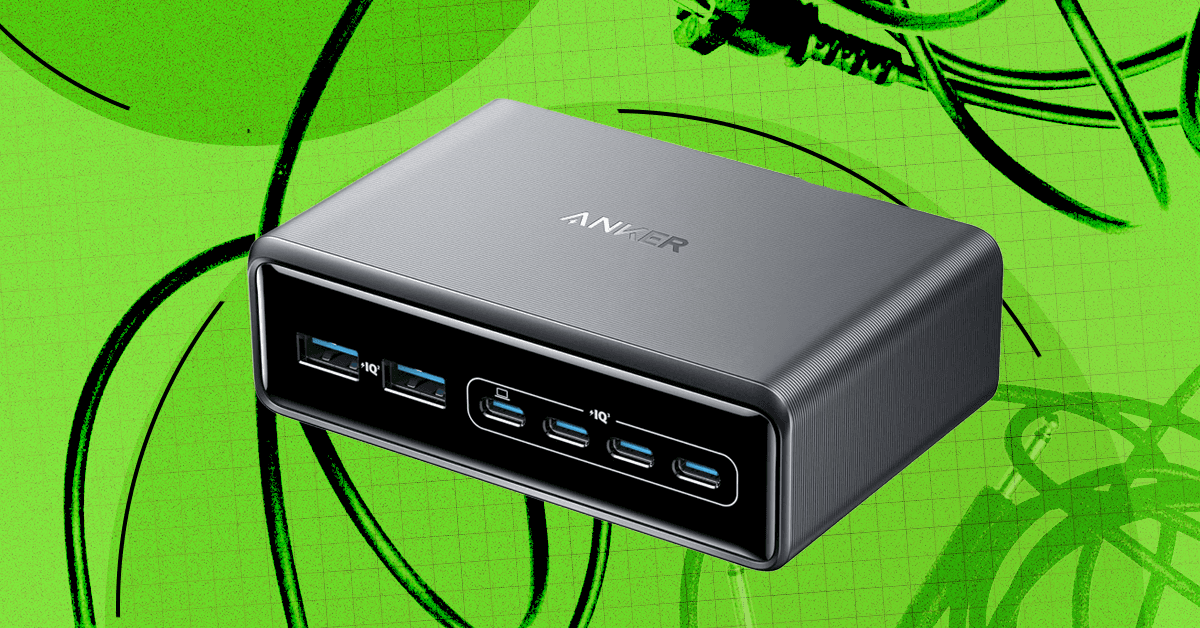
As a gadget reviewer, I have more cords than most people, which is why I also have a regular cable management strategy to keep everything organized. Here are my tips and product recommendations for hiding those cords and power strips and keeping your desktop neat and clean.
planning and preparation
Start by surveying the scene, unplug and untangle everything, and remove anything that doesn’t need to be there. You might be surprised to see a stray USB-B or Micro-USB in the mix that you haven’t used in years. Before you start cable management, take a slightly damp microfiber cloth and wipe down all surfaces and cables. Now, you can start planning routes and figuring out which cables would be appropriate to connect together.
Ideally, the cables will be the exact required length, so if you have spares or you don’t mind snagging a few new cables, it’s worth switching and getting as close to the exact length as possible to minimize the extra cables you have to hide. If you have a standing desk, remember to take into account the length of cable required for the standing position (trust me, dear reader, it’s no fun when you hit the stand on the desk and it winds up pulling your PC tower by a DisplayPort cable that is now stuck in that port forever).
cable management
The task of organizing your technology often falls to cable management, but there are several ways to keep those cords neatly tucked away out of sight. Many desks have channels, grommets, and power strip trays built-in, so take a quick look to make sure you’re using what’s available. Some monitor arms also have built-in cable management. You also likely have a bunch of cable ties in your junk drawer or toolbox, so gather them together.


Ikea
Trixig 150-Piece Cable Management Set
<a href