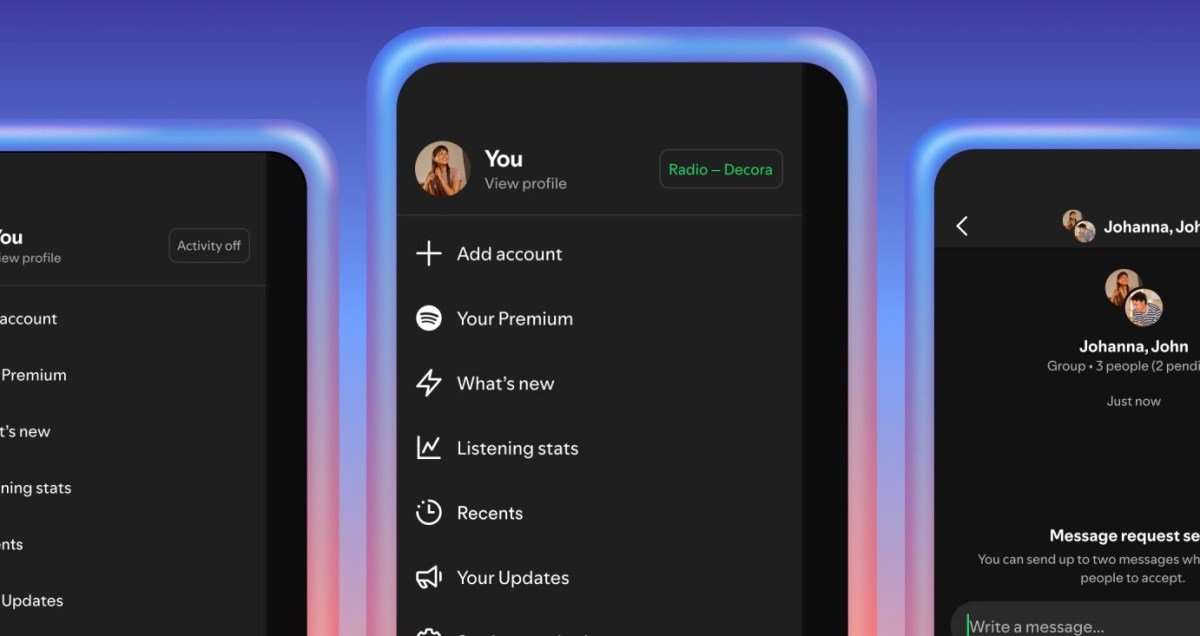
Almost from day one, Spotify has offered the ability to censor your friends’ listening habits — but you can mostly only uncover those guilty pleasures on the desktop app. The company experimented with a community feature on the mobile app in 2022, but it never officially launched. Now the company is finally bringing the listening activity to the mobile app.
The listening activity is opt-in rather than opt-out, which is nice. To turn on the feature, you need to go to your privacy settings on the mobile app. You can also choose which of your friends you share your listening activity with, if you don’t want to unfriend your old college friends, but don’t need them to know how much you listen to Casper Babypants now that you’re a father of two.
In the mobile app, you’ll see what people are listening to in your chats as well as in your sidebar. And, if something piques your interest, you can quickly tap the song to add it to your library, or react with an emoji.
As part of this update, Spotify is also adding a Request to Jam feature. Premium users can tap the Jam button in a chat to send a request and, if the person accepts, their listening is synced remotely. From there, you can queue up songs and chat to share your reactions. Spotify will also suggest songs based on your shared tastes. If you’re a free user, you can join a jam when invited, but you can’t initiate requests.
Both features are now available on iOS and Android in markets where Messages is available. But it appears Spotify is taking its time with this launch, saying it will be “widely available” in early February.
<a href