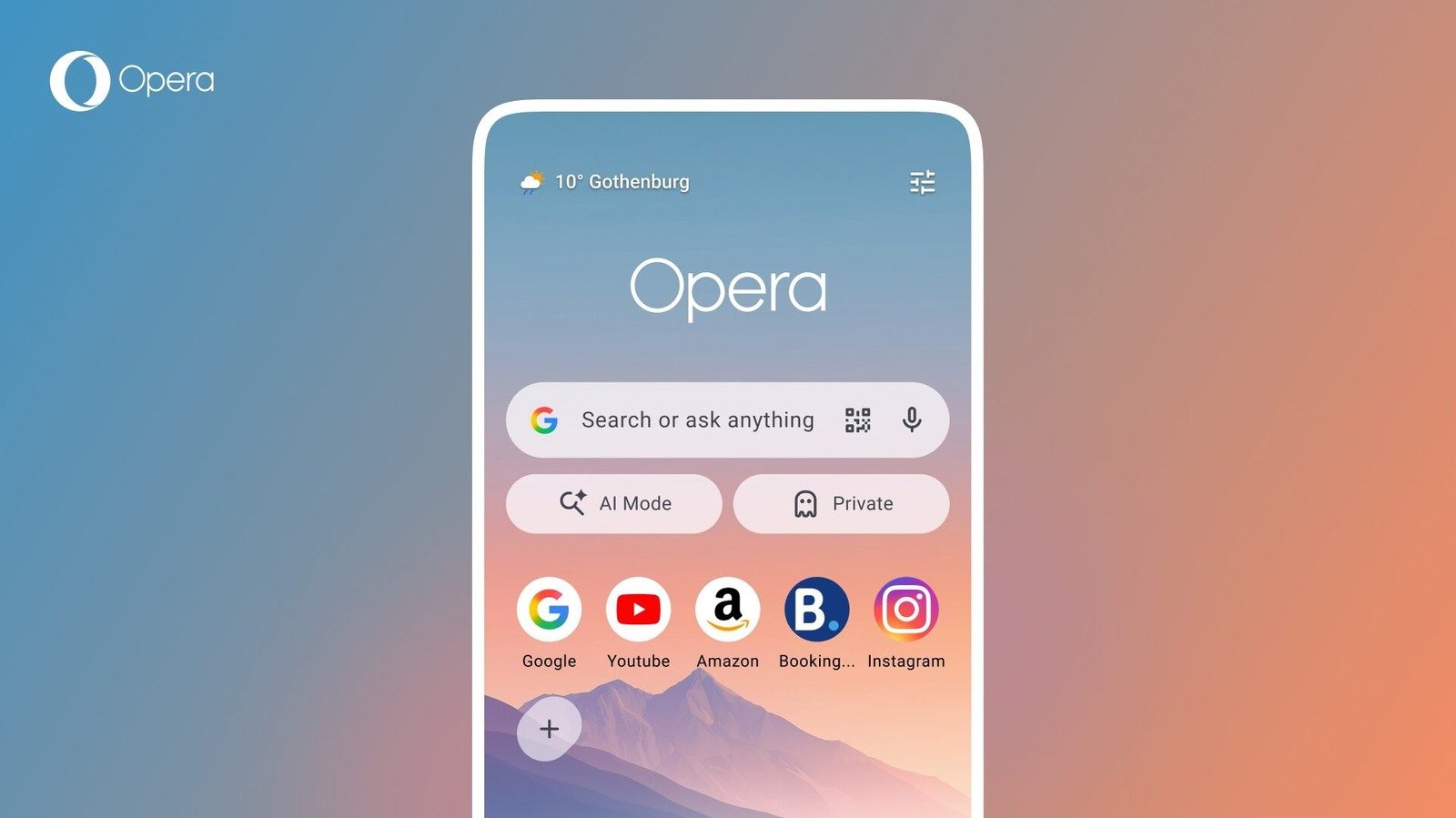
You can check live scores of ongoing games and follow your favorite teams for notifications.
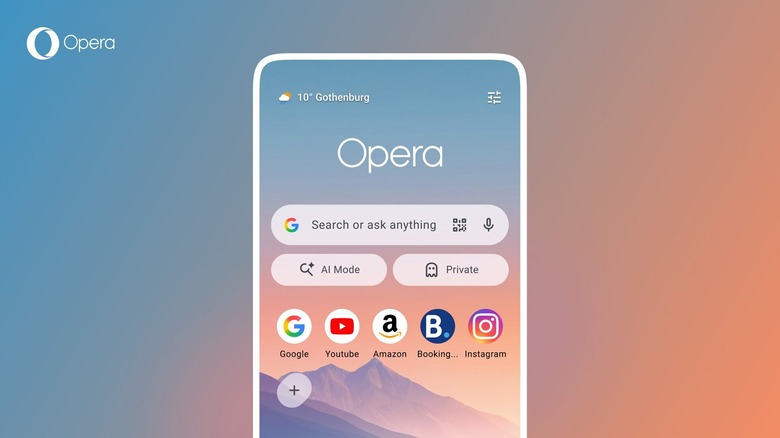
Opera has released a new version of its web browser for Android. It has a fresh start page design and, just in time for the World Cup starting this week, a soccer hub that includes live scores, statistics and match information. The latter is also available in Opera Mini.
Opera is hoping you’ll keep up to date with all the action by using its Soccer Hub. It includes a carousel that displays the scores of all the sports currently taking place. You can tap on a match for more details and select your favorite teams to receive notifications at key moments during the game.
Unfortunately, the Hub features an AI-powered news feed rather than a news feed curated by humans. (If you’re interested in a trip to Scotland’s World Cup finals, feel free to ask me. I’ll happily tell you all about it. I might not keep quiet about it.)
In terms of refreshing the start page, there is a weather widget that provides real-time conditions at a glance. Although you can still customize the start page, by default you’ll have the option to immediately switch to a private browsing session or go into Opera’s AI mode via a new shortcut. Additionally, Opera says Speed Dial icons can now be square, round, or “quadrilateral.”
<a href