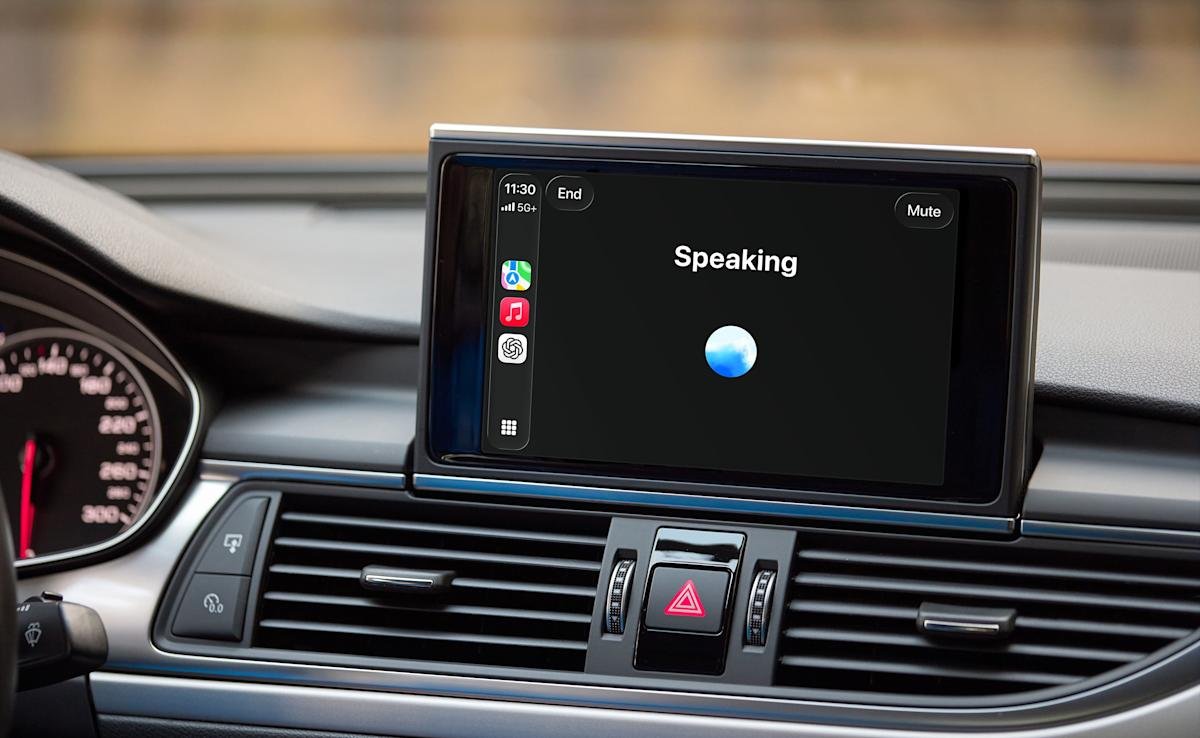
In a surprise release, OpenAI has made ChatGPT’s voice mode available through Apple CarPlay. If you’re running the latest version of both iOS and the ChatGPT app, and you have a CarPlay-compatible vehicle, you can check out the experience. To get started, download all the necessary software, connect your iPhone to CarPlay and select “New Voice Chat” from ChatGPT. You can start a conversation when the in-app text indicates that ChatGPT is “listening.”
There are some notable limitations to using ChatGPT Voice with CarPlay. For one, OpenAI’s chatbot can’t control the car’s functions. If you want to adjust the cabin temperature or skip a track, you’ll still need Siri for those tasks. Due to Apple’s restrictions, you can’t start using ChatGPT via wake word like Siri. For example, to resume a previous conversation, you’ll need to open the ChatGPT app from CarPlay and tap a recent or pinned chat.
With those limitations in mind, OpenAI suggests you can use voice mode to get how-to advice, brainstorm ideas, and practice languages. Personally, I like to listen to podcasts and music while I’m driving, but if talking with ChatGPT is your thing, you’ll do just that.
<a href