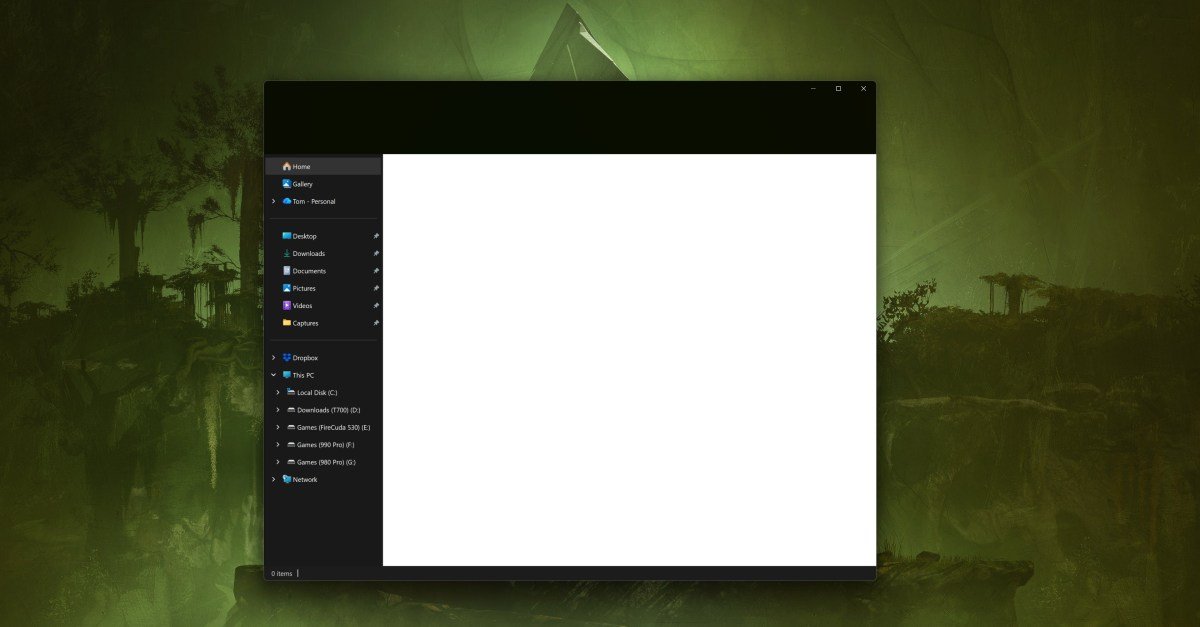
You can’t make it. Microsoft shipped a Windows 11 update yesterday that makes dark mode more consistent, with dialogs in File Explorer finally getting a dark mode for tasks like copying, moving, or deleting files and folders. You get all that, but Microsoft will also present you with a giant white flash whenever you open File Explorer.
“After installing KB5070311, you may experience issues opening File Explorer in Dark Mode,” Microsoft acknowledged in the Known Issues section of its new Windows 11 update. “The window may briefly display a blank white screen before loading files and folders.”
The white flash is like a flash bang if you’re working in the dark with Dark Mode enabled, and Microsoft says it’s now working on a fix for the problem. If you don’t want to wait for an official fix, you can also use the Windhack mod to get File Explorer dark mode back to normal.
It’s strange that Microsoft didn’t catch this apparent bug in testing, especially when the company has committed to a generally more “consistent dark mode experience” in Windows 11. The Run dialog in Windows 11 is also getting a dark mode soon, as well as improvements to the progress bar and chart views, and confirmation and error dialogs.
<a href