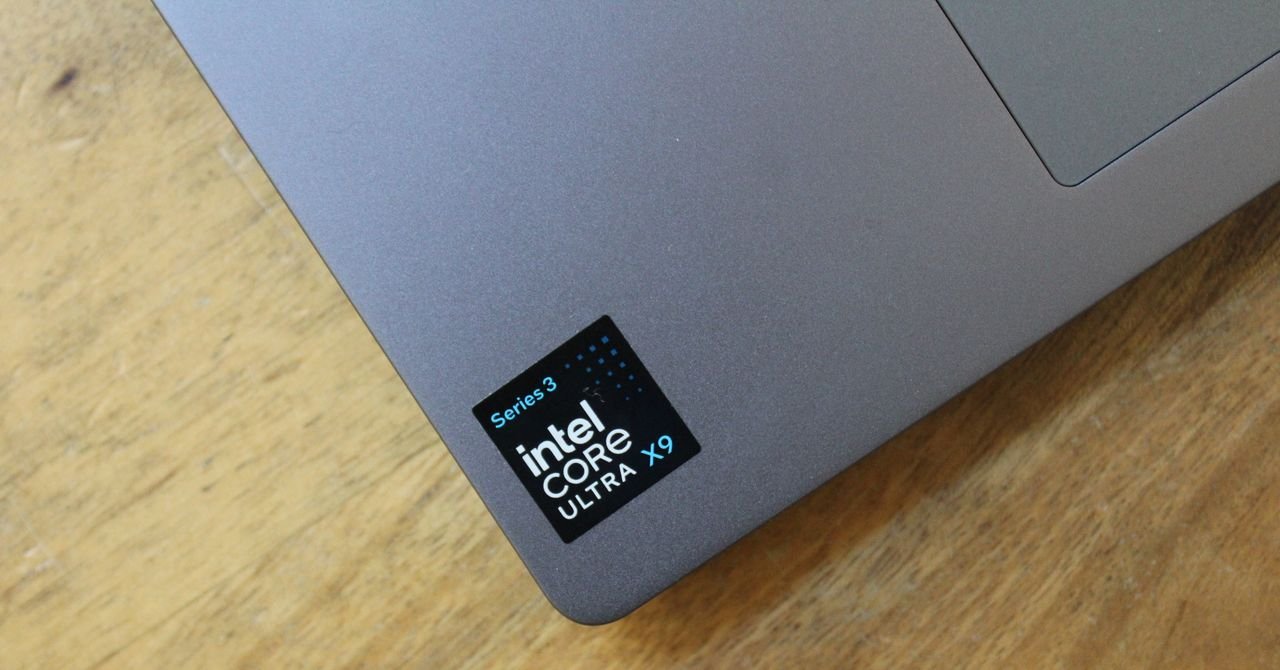
As you can see, these two new Intel chips are now on top in terms of multi-core performance. And when it comes to the X9 388H, it is by a good margin. Coming back with a chip that performs 33 percent better than Apple’s latest M5 is no easy feat, but Intel did it. The same is true in the graphics department, where Intel has taken the lead in integrated graphics. It’s been a while since I’ve been able to say this, but Intel is clearly back on top.
The Core Ultra 7 258V listed above was tested in the Dell 14 Plus, a laptop of the same size as the MSI Prestige 14 Flip. As you can see, there’s a notable 52 percent increase in multi-core CPU performance, as well as a 54 percent GPU upgrade, as tested in 3DMark Steel Nomad Lite. Notably, it even surpasses the current generation M4 MacBook Air.
Intel still can’t compete against Apple on single-core performance, and that’s where the improvements are most modest. It’s not as fast as the M4 Pro or M4 Max, which still hold the lead in every category, although the difference in multi-core performance between the X9 and M4 Pro is only 14 percent. Apple’s M5 Pro and M5 Max are also about to arrive. I would also love to test the Core Ultra
However, the graphics really stand out, especially when you get to the X9 chip. For once, the inclusion of the “X” branding in the name actually seems meaningful. Both the X7 and X9 chips use the B390 GPU, which represents the top line in Intel’s architecture (outside of discrete desktop graphics cards). You get 12 Xe cores in X7 and X9 configurations, with the only difference between the two being the clock speed. Intel claimed the Panther Lake graphics were 77 percent faster than the previous generation Lunar Lake laptops, and while I didn’t see that much of a jump, it’s hard to make a direct apples-to-apples comparison with the laptops.
Anyhow, as you can see above, Intel has taken a big step forward in integrated graphics. Big numbers are what you want in a benchmark, yes, but as always, it’s how it translates to the actual product you buy that counts.
What does more performance really mean?

Photograph: Luke Larson
Here are two useful applications for putting strong graphics into an otherwise basic, thin and light laptop. First, it speeds up all kinds of tasks, whether it’s video editing or inferring local artificial intelligence, without having to deal with a thicker, more expensive tool.
<a href