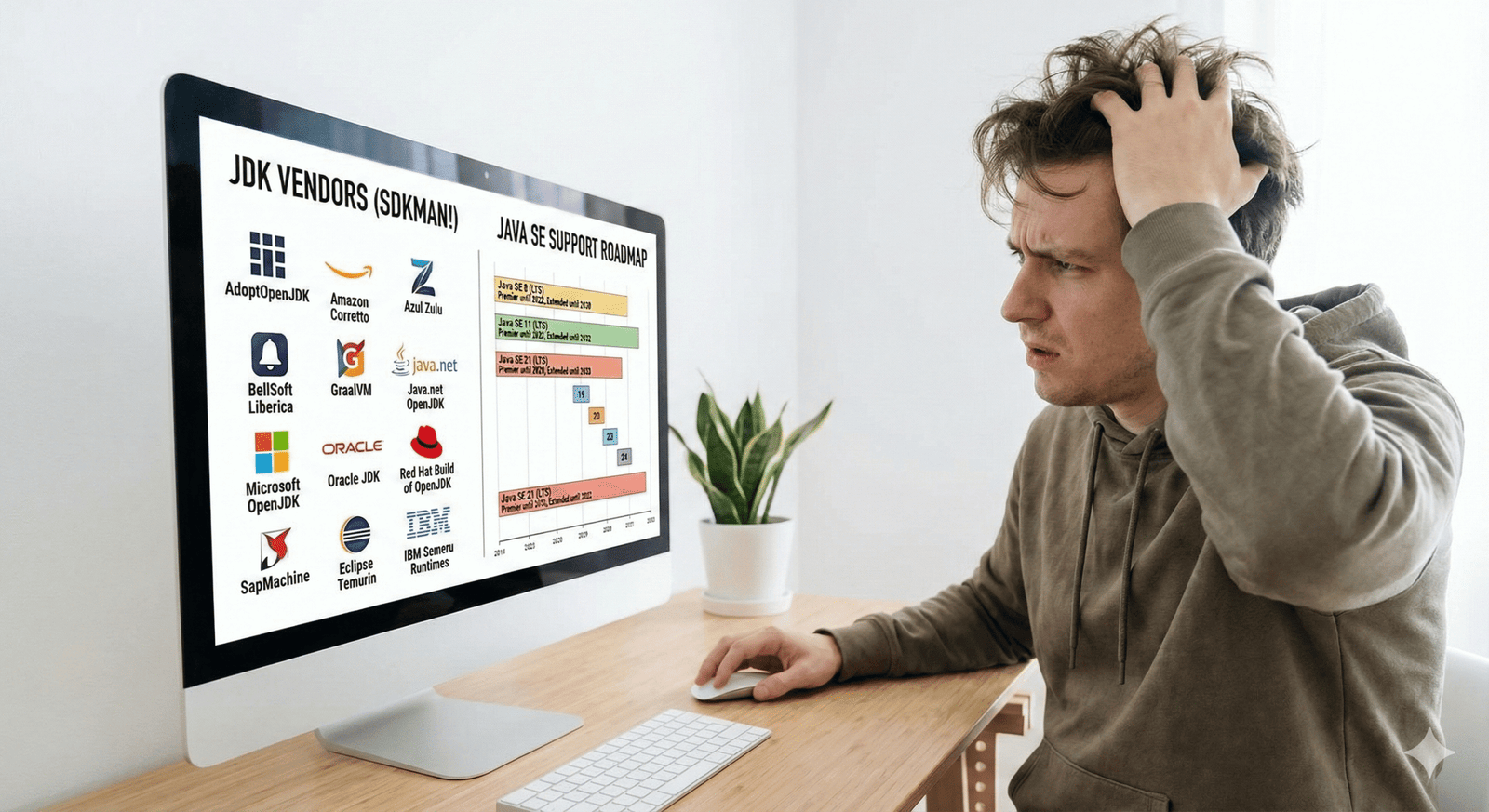
At the time, there was generally one widely adopted version of Java that remained stable for years. You didn’t need to think much about version management because there wasn’t much to manage. A lot has changed in the last few years.
modern reality
Fast forward to today, the Java installation landscape looks quite different. Sure, Oracle/Java websites are still an option, but now you need to pay attention to licensing considerations. Oracle’s JDK FAQ now includes a lengthy section on licensing, which is so long that it may give you a headache if you are not familiar with the licensing terminology.
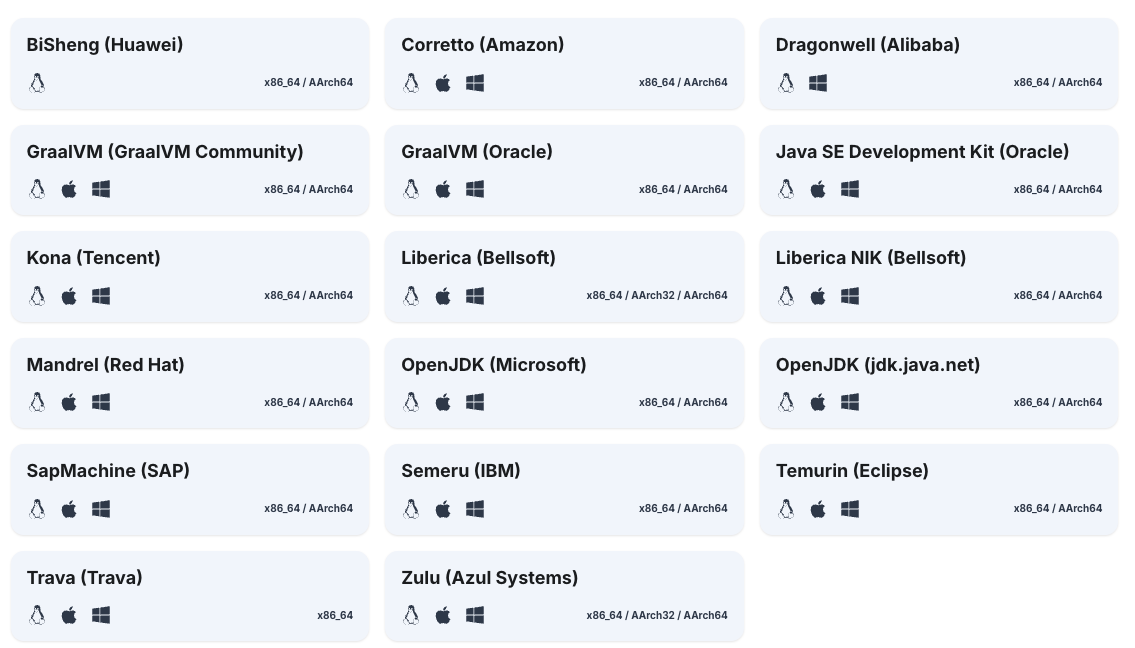
To make things even more complicated, Oracle is no longer your only option. Many vendors now offer their own Java distributions: Amazon (Coreto), Red Hat (OpenJDK), Eclipse (Temurin), IBM, Microsoft and many others. Each has its own strengths, support models and target audiences.
JDK vendor at the time of this writing (courtesy of sdkman.io)
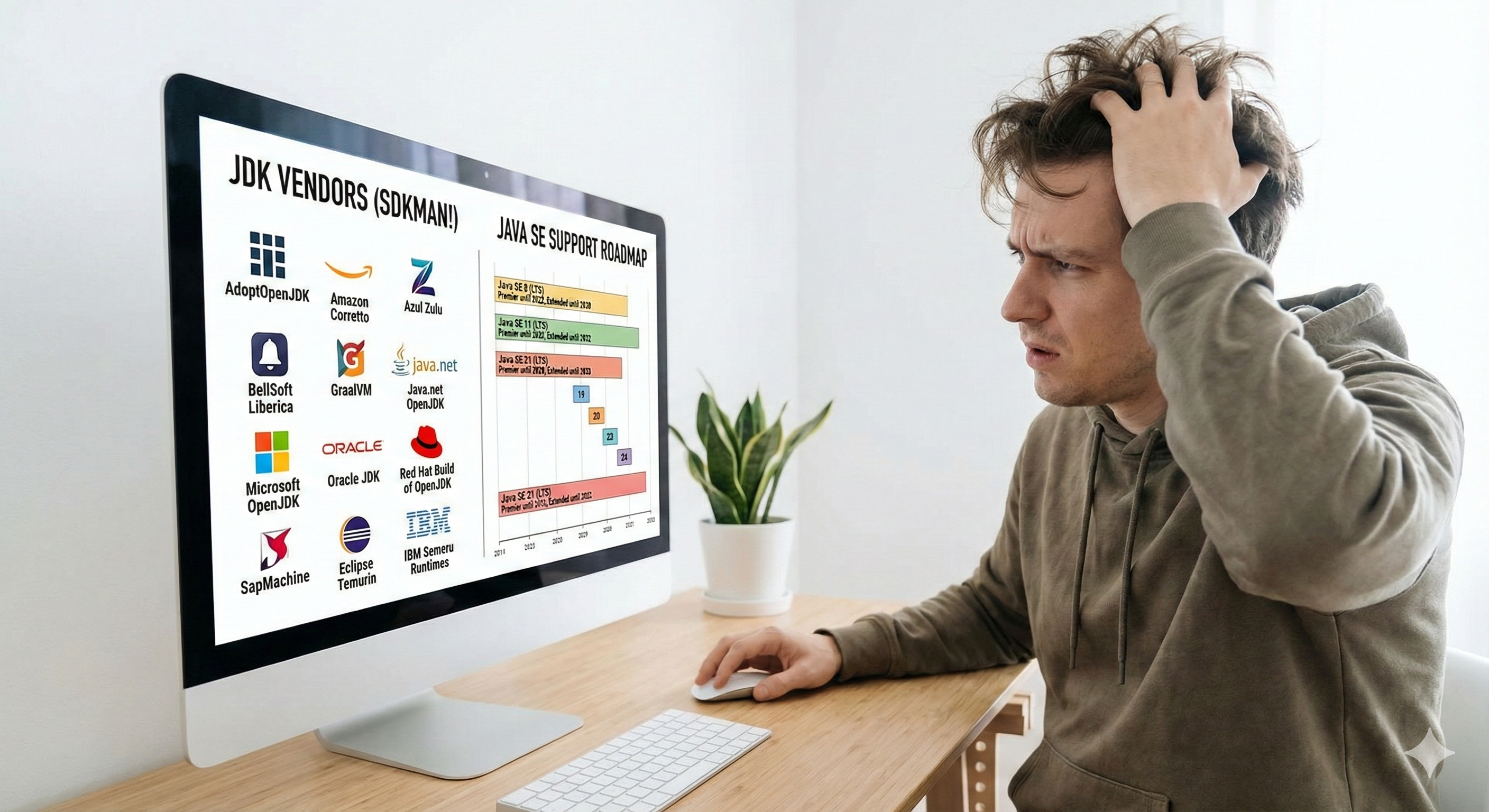
In addition to vendor proliferation, we now have an amazing range of versions to choose from. Java 8, 11, 17, and 21 are all long-term support (LTS) releases available at the time of this writing, and there are several non-LTS versions among them as well. This makes it difficult to choose which version to install.
Furthermore, different projects require different versions, so we not only need to decide on one version, but also learn to live with multiple versions and rapidly switch between them as needed.
So, how do we deal with this complexity?
What are our options?
When faced with this complexity, developers typically choose one of two paths:
- Manual Installation: Download installers from vendor websites, run them, and manage your PATH variable and JAVA_HOME settings manually. This works but it becomes difficult when you need multiple versions.
- Version Manager: Tools like SDKMAN! Which automates installation and switching between different Java versions and vendors. This is where the modern approach shines.
And Java is not unique here. This pattern has emerged throughout the development ecosystem. Python, Node.js, Ruby, Groovy, Scala, virtually every programming language now has multiple versions in active use, and developers need efficient ways to manage them.
enter version manager
Version managers are specialized tools designed to solve this exact problem. They provide a unified interface for installing, updating, and switching between different versions of a programming language or runtime environment.
Think of them as package managers specifically optimized for managing multiple versions of the same tool. Instead of cluttering your system with manual installation, version managers keep everything organized in a dedicated directory structure and handle PATH manipulation automatically.
how they work
While implementation details vary, most version managers follow a similar pattern. I will use SDKMAN! As an example below.
-
Install version manager: You install the version manager yourself (usually via a simple script or system package manager)
curl -s "https://get.sdkman.io" | bash -
discover: The version manager maintains a list of versions available from various sources.
# list available versions sdk list java -
Install version: You use simple commands to install specific versions
# install the latest stable version of Eclipse (Temurin) JDK sdk install java # you can also specify version sdk install java 21.0.4-tem # list installed versions (works in typical scenarios) sdk list java | grep installed -
Select a version: You can switch between versions globally or per-project with direct commands
# select a different version
sdk use java 21.0.4-tem

# or put a .sdkmanrc file under the project folder to specify project specific version
The version manager intercepts language calls at runtime and routes them to the appropriate version. Most version managers also support configuration files that specify which version to use for a particular project, ensuring consistency across your team.
Benefit
Why have version managers become so popular? The advantages are compelling:
- Simplicity: One-line commands replace multi-step installation wizards and manual configuration
- Reproducibility: Teams can ensure that everyone uses the same language version by committing versioned files to source control.
- Solitude: Different projects can use different versions without conflict
- Easy Upgrade: Testing new versions is as simple as installing them and switching—no need to worry about uninstalling or breaking existing projects
- Cleanliness: Removing volumes you no longer need is straightforward and complete
- Search: Most version managers make it easy to see what versions are available and what you have installed.
popular version manager in the wild
Different ecosystems have adopted different tools, but the concept remains the same in all of them:
| Language/Ecosystem | version manager |
|---|---|
| Python | pyenv |
| node.js | nvm |
| Java, Kotlin, Scala, Groovy,… | Sdkman! |
| Ruby | rbenv |
If you’re often working with multiple languages, there are also version managers that promise to handle all languages/SDKs, like ASDF-VM and vFox.
Check out amazing-version-managers for many more version managers if you’re interested in this.
make a switch
If you’re still manually installing and managing language versions, now is a good time to explore version managers. Initial setup takes a few minutes, and time savings grow with each project.
Start with the most popular version manager in your primary language’s ecosystem. Once you master it, you’ll start using it for all the languages you’re working with.
The days of wrestling with PATH variables, looking for old installers, and worrying about breaking existing projects when upgrading are behind us. Version managers have become essential infrastructure in the modern development workflow – tools so useful that once you adopt them, you’ll wonder how you ever worked without them.
conclusion
The proliferation of language versions and distributions has fundamentally changed how we set up development environments. What seemed like a complexity – multiple vendors, frequent releases, compatibility concerns – has actually driven the creation of better tooling.
Version managers recognize that modern software development requires flexibility, different projects have different needs, and switching between contexts should be intuitive rather than error-prone.
So the next time you need to install Java, Python, Node, or any other language runtime, skip the vendor website. Reach out to a version manager instead. Your future self—handling multiple projects with different requirements—will thank you.
See also
<a href