You may also want to read how to make your Wi-Fi faster, how to buy a router, and whether you should opt for a single router or a mesh system.
Adjust or move your router
Before you even think about spending any money, try adjusting or moving your wireless router. Routers send Wi-Fi signals in a rough circle, so I always recommend placing your router in the center of your home. Moving it a little closer to your backyard or wherever you want to extend Wi-Fi is the easiest option. Make sure it is located in a high and open place. You may need a longer Ethernet cable. If your router has adjustable antennas, I also strongly recommend moving them and testing the signal strength at your problem location (this can make a surprising difference).
If you have a mesh system, try moving a node to the back window of your home to extend Wi-Fi into the backyard. If you’re able to, running an Ethernet cable between your main router and the node closest to your external location for wired backhaul can also significantly increase range and speed. If you have an outbuilding, you might also consider running an armored Ethernet cable from your main router to a mesh node or access point.
Use your smartphone as a hot spot
If your phone gets a good cellular network signal in your garden and you have abundant data, it may be worth using your phone as a hot spot, enabling other devices to piggyback on your mobile network connection. We have a full guide on how to use your smartphone as a hot spot, but it’s very easy to do. Here’s the quick version:
- on an iPhone: open settings, personal hotspottoggle on allow others to joinand set one WIFI password.
- on android: open settings, network and Internet (Or connection On Samsung phones), select Hotspot and tetheringToggle Wi-Fi hotspot Turn on, and choose a name and password.
The problem with this is that it will use up your data allowance, tie up your phone and drain your battery faster. But this is a good solution in a pinch.
Upgrade your setup
If the above two options don’t fix your Wi-Fi problems, it may be time to upgrade your hardware. We’ve got guides to the best routers, best mesh systems, and best Wi-Fi extenders. If you’re currently using an older or ISP-provided router, simply getting a new one can make a big difference to your range. Most routers have a rough estimate of square-footage range, but the construction of your home and other factors will impact this.
Switching from a single router to a mesh system is a better upgrade if you need to extend that Wi-Fi coverage. I’m not a fan of Wi-Fi extenders, but sometimes they can be the most cost-effective way to get Wi-Fi to a problem location. If you’ve recently upgraded or already have mesh, there are still other options.
Get an Outdoor Router
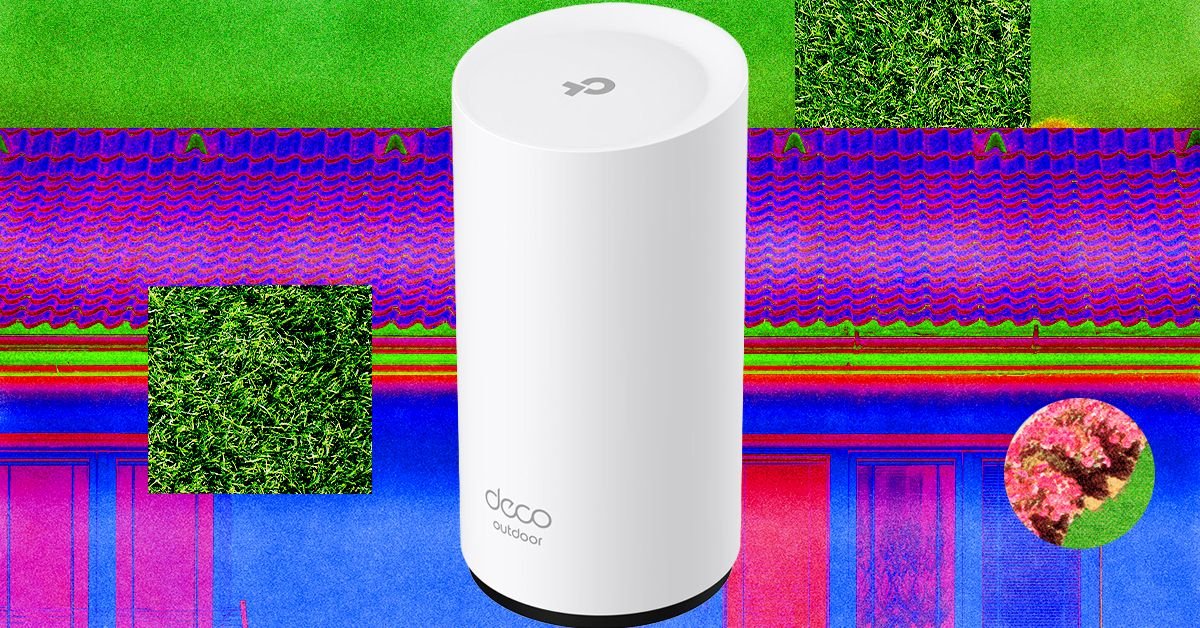
Those with mesh systems can often add an outdoor router or node easily. Outdoor routers are weather resistant and usually have an IP rating that determines what type of weather they can withstand. They often come with fixings for mounting on an exterior wall, fence, or pole, but you should consider how to run the power cable to an outlet. The right outdoor router for you depends entirely on your mesh system.
<a href