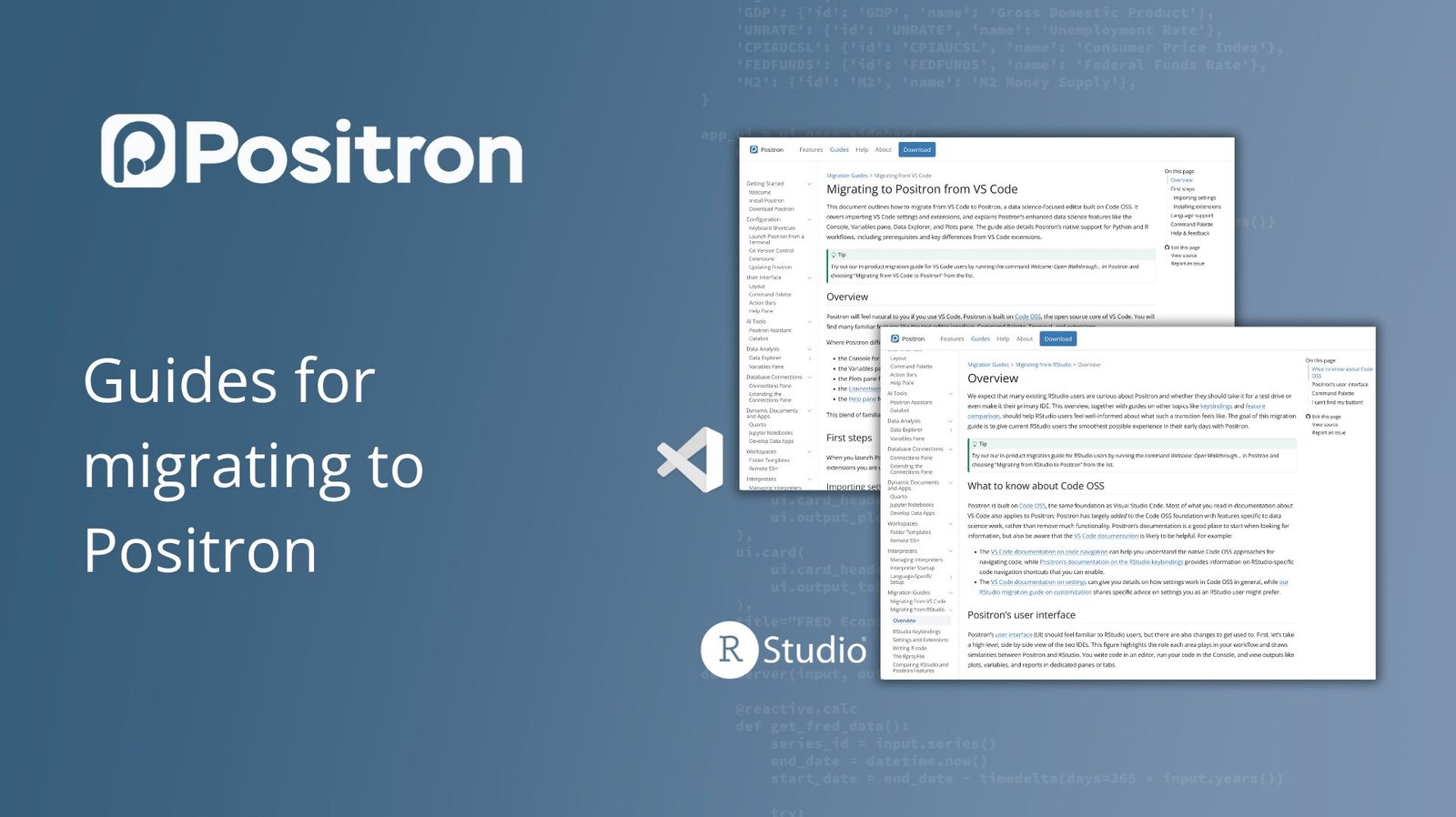
Since Positron was released from beta, we’ve been working hard to create documentation that can help you, whether you’re curious about the IDE or interested in switching. We have released two migration guides to help you on your journey, which you can find at the links below.
Migrating from VS Code to Positron
Positron is a next-generation IDE for data science, created by Positron PBC. It’s built on Code OSS, the open-source core of Visual Studio Code, which means many of the features and keyboard shortcuts you’re familiar with are already there.
However, Positron is designed specifically for data work and includes integrated tools that are not available in VS Code by default. These include:
- A built-in data explorer: This feature gives you a spreadsheet-style view of your dataframe, making it easy to inspect, sort, and filter data.
- An interactive console and variables pane: Positron lets you interactively execute code and view variables and objects in your session, similar to a traditional data science IDE.
- AI Assistance: Positron Assistant is a powerful AI tool for data science that can generate and refine code, debug issues, and guide you through exploratory data analysis.
Check out the VS Code migration guide here.
Migrating from RStudio to Positron
We anticipate that many RStudio users will be curious about Positron. When building Positron, we tried to create a familiar interface while adding extensibility and new features, as well as native support for multiple languages. Positron is designed for data scientists and analysts who work with both R and Python and want a flexible, modern, and powerful IDE.
Key features for RStudio users include:
- Native Multi-Language Support: Positron is a polyglot IDE designed to support both R and Python seamlessly.
- Familiar interface: We designed Positron with a similar layout to RStudio, so you’ll feel at home with the editor, console, and file panes. We also provide the option to use your familiar RStudio keyboard shortcuts.
- Extensibility: Because Positron Code is built on OSS, you can use thousands of extensions from the Open VSX Marketplace to customize your IDE and workflow.
See the RStudio migration guide here.
Migration Walkthrough in Positron
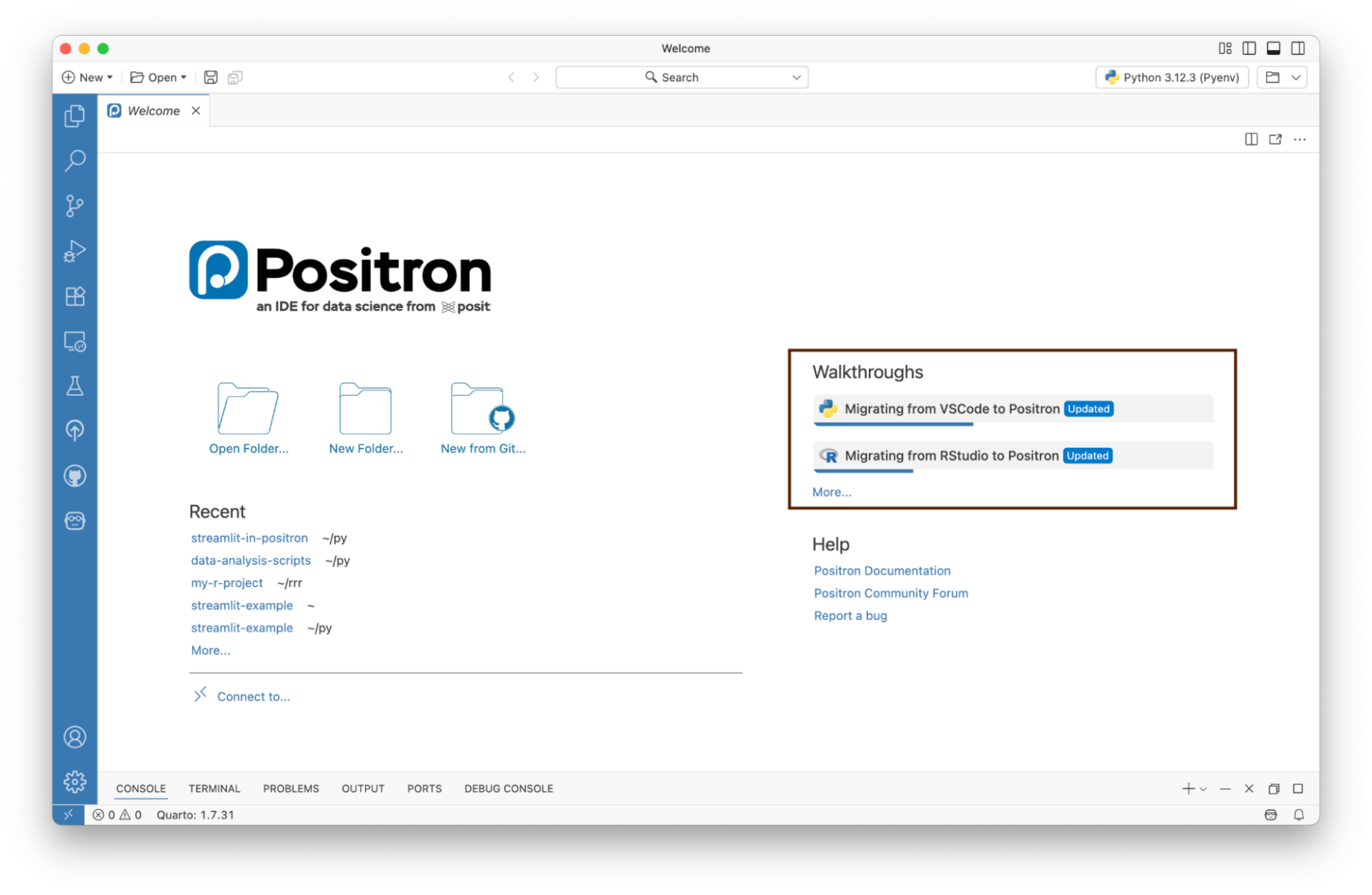
Also, check out our migration walkthrough into Positron itself; Find them by searching “Welcome: Open Walkthrough” in the Command Palette (press the shortcut Cmd + Shift + P to open the Command Palette), or on the Welcome page when you open Positron:
what will happen next
We’re committed to making your transition as seamless as possible, and we’ll continue to add to these migration guides. Check out guides for Jupyter users and more!
We’d love to hear from you. What other guides would you like to see? What features will make your transition easier? Join the conversation in our GitHub discussions.
<a href