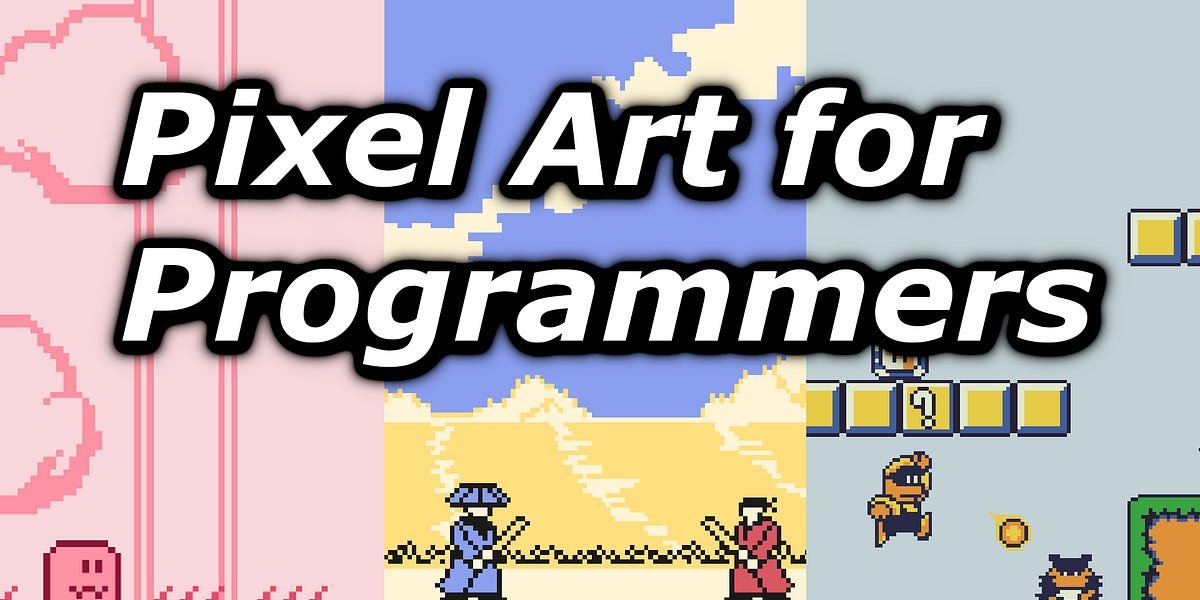

It is known that programmers do not have any strong aptitude for art related subjects, pixel art is no exception. In this post, I’ll share 5 tips for creating good pixel art from a programmer’s perspective. This is to help other solo developers coming from a programming background create better pixel art for their games.
Now, you might be wondering if I’m qualified to share pixel art tips? Below are two pixel art asset packs I created. If you like the look of them, the question has been answered.
Here are all the asset packs I’ve created so far:
How do you know if a sprite looks good or not? You may have assumed that you just need to look at it and your brain will determine whether it’s attractive or not. Maybe colors clash or pixels aren’t laid out symmetrically, etc… all things you should naturally spot.
However, it is not that simple, an art work can go against generally accepted rules and still look good. It may seem good to one person but not to another.
While it’s true that whether or not a sprite or piece of art looks good is somewhat subjective, it is undeniable that some of them are widely considered more attractive.
Many programmers struggle with this subjective nature of art. You may be used to having your code compiled and run by a compiler. If your code runs successfully then you know that at least your code works.
However, with art, you need to have good taste that will effectively act as your internal compiler when doing pixel art. This will guide you throughout your art process and make you realize when things are not working (example: colors clashing, etc…).
Now the question is how do you develop a good interest in pixel art? The easiest way is to look at famous pixel art online. This can come from games where the art is praised or from online pixel artists. When observing each piece, try to pay attention to the details. If you do this enough, you’ll develop an internal understanding of what makes good pixel art.
If you come into pixel art with the mindset that you’re going to draw what you want with pen and paper, you’re going to be disappointed. Pixel art at low resolutions is all about interacting with your canvas.
It is basically a puzzle game. You need to figure out where to place your pixels to represent what you want, while compromising on some details.
The sooner you see this kind of pixel art, the less difficulty you will have in creating the sprites you need for your game. This is because you are now more flexible and ready to adapt when representing something that is challenging at a lower resolution.
You can either do the hard work of figuring out how to render an object or character in low resolution or you can look at the millions of available game sprites that have already solved what you are trying to represent.
That’s why I recommend using references extensively.
For example, if you want to make a top-down action adventure game a la Zelda there’s no shame in looking at Link’s sprites to see how he is represented or how his sword attack animations are created.
If you don’t know, the most comprehensive website to view sprites from various retro games is Spitters Resources,

It is very important to stick to a limited color palette in pixel art due to the small amount of space available. Each color you choose will have a big impact on the appeal of the final sprite.
If you don’t want to deal with color theory, you can always choose an existing color palette. The name of this website is lowspec With lots of color palettes that you can choose from. On this website, you can often see examples of pixel art using the listed color palettes. This will help you determine if a given palette will help you achieve your desired aesthetic.

Another option involves finding a pixel art piece you like online and choosing the same colors to create your palette.
Ultimately, you may feel very constrained working with a limited amount of colors. Sometimes, the colors in your palette are not enough. In that case, I recommend adding color to it.
In fact, it is much easier to expand a given color palette one color at a time, rather than limiting yourself to one by immediately selecting colors. When a new color is needed, you can easily compare your new color choice to the existing palette and see if it fits or otherwise change your choice.
I often hear the phrase “constraints breed creativity” and I agree because when constrained you often look for creative solutions. However, another lesser known benefit of barriers is that they allow you to hide your imperfections.
The fewer obstacles you have, the more ambitious you are, the more likely you are to move out of your comfort zone and find yourself in a field where you don’t have enough skills to pass the “professional” quality bar.
For example, if you are a person with very limited coloring skills. I would recommend sticking to a predefined color palette of maximum 4 colors. This way, you can reach a “professional” looking result more easily than choosing your own colors.
Well-chosen obstacles allow you to highlight your strengths while hiding your flaws., Another way of saying this would be that the odds make you less likely to shoot yourself in the foot.
Although I hope these tips will help you create better pixel art, it’s no secret that practice is a big part of what you need to do to get good results.
If you are interested in reading more posts like this. I recommend subscribing to my Substack to not miss future releases.
In the meantime, you can check out my previous posts.
You can now create PS2 games in JavaScript

I recently discovered that you can make PS2 games in JavaScript. I’m not even kidding, it’s actually possible. I was working on a project and my phone was near my desk when I got a notification. Upon further inspection, it came from itch.io which was a platform where I usually published most of my web games.